
FeedHive has eight credible alternatives in 2026, and the right one depends on which FeedHive limitation pushed you out. Buffer and Later answer its Instagram publishing record. Vista Social and PostMonk open its trigger-only agent surface. SocialBee and PostMonk remove its AI credit ceiling, and Metricool closes its client reporting gap. Publer is the cheapest paid entry point, and Planable is the approval specialist.
One fact shapes every switch: FeedHive has no export for scheduled posts, so each migration here is a rebuild rather than a transfer. Every tool carries the overall score from its own PostMonk review, and the list runs by switching-fit tier first. Below: the ranked quick list, why teams leave FeedHive and where it still wins, and the five criteria that decide the migration. After that comes a comparison table carrying FeedHive as the reference row, then a scored evaluation and migration steps for each tool.
Best FeedHive Alternatives at a Glance
Eight alternatives, ordered by switching-fit tier first and by methodology score within each tier.
-
Buffer
-
Later
-
Vista Social
-
Publer
-
PostMonk: best for FeedHive users who want their own AI key and one-time pricing, with five BYOK providers on every paid plan (Tier 2)
-
Metricool
-
SocialBee
-
Planable
Disclosure: PostMonk publishes this guide and competes with FeedHive and every tool on this list. PostMonk appears at number 5 because that is where its score and tier place it, not because we publish the page.
How we score: Every product here carries the overall score from our published review methodology. That rubric weights scheduling, channels and integrations, content creation, analytics, ease of use, pricing, and support. This list is ordered by switching-fit tier first, then by that score. Read the full method at how we review social media management tools.
Why People Switch from FeedHive
Teams leave FeedHive for three documented reasons. Instagram posts fail without notice, AI credits run out mid-month, and analytics cannot become a client report. FeedHive still wins on conditional post rules, automated evergreen recycling, and a clean visual calendar that few schedulers in this price band match.
Its ratings back that up. FeedHive holds 4.6 out of 5 on G2 across 172 reviews and 4.9 out of 5 on Capterra across 85 reviews. A solo creator publishing to LinkedIn, Facebook, and X gets a genuinely good tool for $15 per month on the Creator plan.
The switching pressure comes from five specific friction points.
-
Instagram posts that fail quietly. Instagram publishing failures are the most persistent complaint in FeedHive’s review history, recurring from 2022 through 2026 across G2, Capterra, and AppSumo. Posts queue normally, then do not publish, with no error notification and no automatic retry. FeedHive runs on a team of roughly five people, so recovery during a live campaign is slow.
-
AI credits that run out mid-month. FeedHive meters AI from its own pool: 2,500 credits per month on Creator and 10,000 on Brand, doubled for three months as a trial promotion. There is no bring-your-own-key option on any tier, so a user’s own OpenAI, Anthropic, or Gemini key cannot be substituted. When the pool empties, AI features stop until the cycle resets.
-
Analytics that cannot become a client report. FeedHive tracks post performance and an AI-predicted engagement score. It offers no CSV export, no audience demographics, no competitor benchmarking, and no white-label PDF report. A freelancer or agency has to rebuild the client deliverable by hand somewhere else.
-
An MCP server that only fires pre-set triggers. FeedHive’s endpoint at
-
A 3x price cliff at the Business tier. Moving from Brand at $22 per month to Business at $69 per month is the only route to the REST API, first-comment scheduling, and the OpenClaw agent layer. The lower tiers also cap the scheduling horizon at 14 days on Creator and 60 days on Brand.
Honest carve-out: FeedHive is still the right tool for a solo creator or small team publishing mainly to LinkedIn, Facebook, and X. It suits anyone who values conditional post rules and evergreen recycling and does not need agency-grade reporting. It scores 3.2 out of 5 on our rubric, and our FeedHive review shows which categories pull that number down. Every tool below beats it on at least one of the five friction points, and several are lateral trades rather than upgrades.
How to Choose a FeedHive Alternative
The right replacement depends on which of the five friction points is driving the switch. Five criteria separate a real fix from a lateral move.
Publishing model: true auto-publish or a phone notification
Publishing reliability comes down to whether the tool posts through each network’s API or sends a reminder to finish the job manually. Notification publishing is common for Instagram Stories, TikTok, and YouTube, even among strong schedulers. It quietly reintroduces the manual step you were trying to remove. Official API partnership with Meta, LinkedIn, and TikTok is the strongest available proxy for reliability, because partners get earlier access to API changes. A published reliability figure is better evidence than a testimonial.
AI access model: metered credits, unlimited generation, or your own key
Three models exist, and they fail in different ways. Metered credits reproduce the exact problem you are leaving, only with a different monthly number. Unlimited in-house generation removes the cap but locks you to whichever model the vendor chose. Bring-your-own-key removes both limits, because you pay the model provider directly and pick the model, at the cost of managing an API key. Check whether the key is accepted on the entry plan or gated behind a higher tier.
Reporting output: can it produce a client deliverable
A report is only useful if it leaves the tool. Confirm four things before committing. You need raw CSV export, custom date ranges, competitor or benchmark data, and a branded PDF a client can open without a login. Free and entry tiers frequently include the dashboard but block the download. That looks like a solution during a trial and fails on the first reporting cycle. Check the export on the plan you intend to buy, not the plan on the marketing page.
Agent access: pre-set triggers or a real write surface
The shape of the MCP or API matters more than its existence once you drive publishing from Claude, ChatGPT, or an automation platform. A trigger-based server only runs actions you configured in advance, so every new workflow needs manual setup first. A write-surface server lets the agent create, update, approve, and query on demand. Check the tool count, the plan gate, and whether analytics is included or listed as forthcoming.
Pricing shape: per channel, per workspace, per brand, or one-time
The four models diverge sharply as you grow. Per-channel pricing is cheapest at three accounts and expensive at twenty. Per-workspace pricing suits agencies with many accounts per client. Per-brand pricing suits analytics-led teams. One-time pricing removes renewal risk but concentrates the bet on a single vendor. Model your real account count and seat count against each shape before comparing headline prices, then check the table below.
FeedHive Alternatives Compared
FeedHive sits in the first row as the reference point, so every column reads as a direct comparison against the tool you are leaving.
| Tool | Starting price | AI model access | Instagram publishing | MCP | Reporting | Score |
|---|---|---|---|---|---|---|
| FeedHive (current tool) | $15/mo annual | Metered credits; no BYOK | Recurring documented failures | Trigger-only | No CSV export, no white-label PDF | 3.2/5 |
| Buffer | $5/channel/mo annual | Unlimited AI Assistant, all plans | Official Meta partner; 99% reliability claim | Native; posts, queue, channels | Branded reports on Team | 3.5/5 |
| Later | $18.75/mo annual | 5 credits/mo on Starter | Instagram-first; official API | None | Custom analytics on Scale only | 2.9/5 |
| Vista Social | $64/mo annual | 1,000 credits/mo on entry plan | Direct publishing | 54 tools, Advanced ($120/mo) and up | Custom reports on Advanced | 4.0/5 |
| Publer | $4/mo annual | BYOK OpenAI on every plan | Direct publishing | None | Analytics on Business | 3.9/5 |
| PostMonk | $29 one-time | BYOK, 5 providers, all paid plans | Direct publishing; failed-post retry | Full write surface (Pro, Agency) | CSV export (Pro); white-label PDF (Agency) | 3.7/5 |
| Metricool | Free | 5 AI credits/mo on Free | Direct publishing | Yes, on the free plan | PDF and PPT reports on Starter | 3.5/5 |
| SocialBee | $29/mo | Unlimited AI generation, all plans | Direct publishing; some reported failures | None | Branded report export on Pro | 3.3/5 |
| Planable | $33/workspace/mo | Limited AI | Direct publishing | Draft-only connector | Analytics is a paid add-on | 3.6/5 |
Pricing and features were verified against each vendor’s own pricing page on 28 July 2026. FeedHive’s pricing page displayed these same figures in euros at that date, so expect currency to follow your region. Every score is the overall that product carries on its own PostMonk review, applied here unchanged, so a tool has one number across this network. PostMonk’s 3.7 out of 5 was produced by the identical seven-category rubric.
1. Buffer: Best for Instagram Reliability (3.5/5)
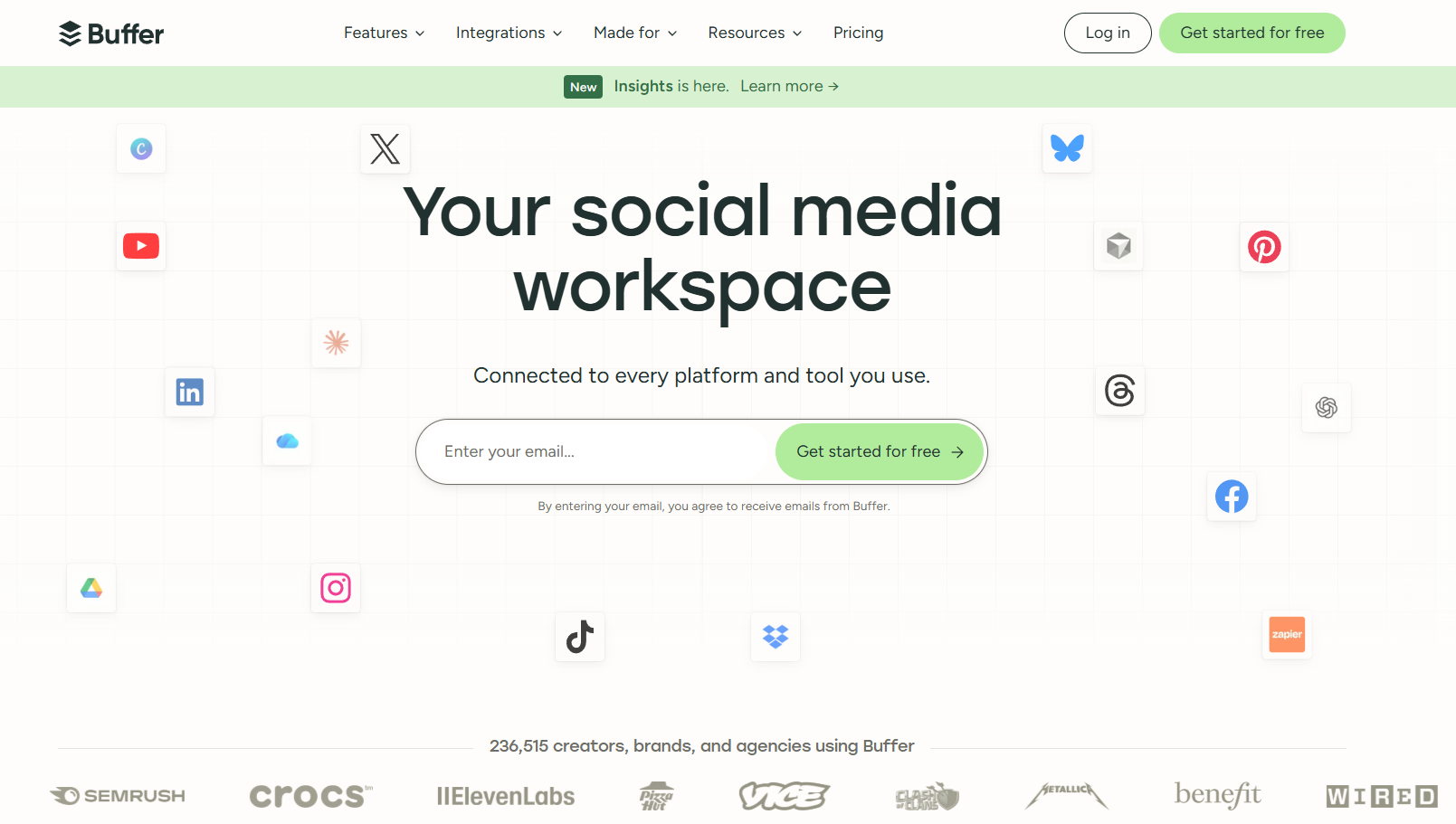
Buffer takes the top slot because it answers FeedHive’s number-one switching trigger with structural evidence rather than marketing copy. Vista Social and Publer score higher overall, but neither targets publishing reliability the way Buffer does. Buffer is an official API partner with Meta, LinkedIn, X, Bluesky, YouTube, and TikTok, which is why its publishing record differs from a non-partner’s. It also publishes a 99 percent post reliability figure, a number FeedHive does not state anywhere. Our Buffer review carries the category-by-category scoring behind 3.5.
Best for: Teams where multi-platform publishing reliability outweighs automation depth. Buffer suits three to ten channels and a permanent free tier before any spend.
Key Features
Buffer covers the publishing, AI, and agent surface that a departing FeedHive user typically needs.
-
Publishing to Facebook, Instagram, TikTok, LinkedIn, X, YouTube, Pinterest, Threads, Bluesky, Mastodon, and Google Business Profile
-
Per-channel content overrides, so one draft becomes platform-specific copy without duplicate posts
-
A native MCP server covering posts, ideas, the queue, and channels, documented at
-
An AI Assistant on every plan, including free, with no credit meter
-
First comment scheduling for Instagram, Facebook, and LinkedIn on paid plans
-
Cross-platform analytics with branded, client-ready reports on the Team plan
Pros
Buffer’s advantages over FeedHive concentrate on reliability, agent access, and the free tier.
-
Official API partnership with Meta, LinkedIn, X, Bluesky, YouTube, and TikTok, which is the structural reason its Instagram record differs
-
A published 99 percent post reliability figure on
-
An MCP server that lets agents draft, queue, and schedule on demand, against FeedHive’s pre-configured triggers
-
A permanent free plan with 3 channels, 10 scheduled posts per channel, and the full AI Assistant
-
Predictable cost modeling: you multiply the channel count by a fixed rate, with no feature cliff
Cons
Buffer trades automation depth for reliability, and four gaps matter to FeedHive users specifically.
-
Instagram Stories, TikTok, and YouTube use notification publishing, so a person finishes the post on a phone
-
The 99 percent figure is Buffer’s own claim, and G2 and Capterra reviewers still report occasional silent post failures
-
Advanced analytics covers only Facebook Pages, Instagram business accounts, X, and LinkedIn Pages
-
Per-channel pricing climbs quickly: ten channels cost $50 per month on Essentials annual, above FeedHive’s $22 Brand plan
-
No conditional post rules and no automated evergreen recycling, both of which FeedHive does have
-
The API and MCP do not yet cover analytics, which Buffer describes as coming next
Pricing
Buffer charges per channel rather than per workspace, which changes the arithmetic as accounts grow.
| Plan | Price (annual) | Channels | Scheduled posts | Notes |
|---|---|---|---|---|
| Free | $0 | 3 | 10 per channel | AI Assistant, 30-day insights |
| Essentials | $5 per channel/mo | Unlimited | Unlimited | Advanced analytics, first comment, 1 user |
| Team | $10 per channel/mo | Unlimited | Unlimited | Unlimited users, approvals, branded reports |
Monthly billing runs $6 and $12 per channel for the first ten channels. Buffer has no separate agency or enterprise tier: agencies use the Team plan at the same per-channel rate. Rates verified on Buffer’s pricing page.
What Users Say
Buffer carries the largest review base in this list, roughly six times FeedHive’s, and the sentiment is stable.
-
G2: 4.3 out of 5 across 1,040 reviews, with 62 percent five-star ratings and a small-business-heavy reviewer base
-
Capterra: 4.5 out of 5 across 1,491 reviews
-
The recurring criticism is analytics depth and per-channel cost at scale, not publishing reliability
-
G2’s own FeedHive alternatives page names Buffer as the first alternative it lists
Migrating from FeedHive to Buffer
FeedHive has no CSV export for scheduled posts, so the queue is rebuilt rather than transferred. Buffer accepts bulk content through its Zapier and Make integrations, which pipes a spreadsheet into the queue during the changeover. FeedHive’s Brand-tier approval workflow maps to Buffer’s Team plan approvals. FeedHive’s evergreen recycling has no direct equivalent, so recurring posts are re-queued manually. Budget 2 to 3 hours for a solo creator with fewer than five channels. For wider context, see Buffer alternatives and PostMonk vs Buffer.
2. Later: Best for Instagram-First Brands (2.9/5)

Later is the right answer when Instagram is the revenue channel rather than one of several. It also carries the lowest overall score here at 2.9, below FeedHive’s own 3.2. Notification publishing, thin AI, and no developer API drag the rubric down. It earns a Tier 1 slot on Instagram fit alone, not on breadth. The visual grid planner lets you drag and swap queued posts until the feed reads correctly before anything publishes, which FeedHive’s calendar cannot do. Read our Later review for the category scoring behind 2.9.
Best for: Instagram-first brands and visual creators who plan the feed as a whole and convert profile traffic through a link-in-bio page.
Key Features
Later’s feature set is built around the Instagram workflow first and the other networks second.
-
Instagram grid preview with drag-and-swap reordering before publish
-
Link in Bio, included on every Later plan and on the free tier
-
Publishing to Instagram, Facebook, TikTok, Threads, Pinterest, LinkedIn, YouTube, and Snapchat
-
Best Time to Post for Instagram, Facebook, and TikTok, with multi-profile timing on Growth
-
Instagram first comment, location tagging, user tagging, and hashtag suggestions
-
Social inbox, UGC collection, and approval workflow from the Growth plan up
Pros
Later’s strengths are concentrated and genuine rather than broad.
-
The grid planner has no real equal for feed-level Instagram planning
-
Instagram is the product’s core priority, not a secondary integration bolted onto a general scheduler
-
One social set covers 8 profiles, one per platform, so a single-brand operator rarely needs an upgrade
-
Link in Bio replaces a separate paid tool that many FeedHive users run alongside it
-
Qualified non-profits receive 50 percent off the annual Growth plan
Cons
Later solves the Instagram trigger and almost none of the others, which is why its overall score sits last.
-
AI generation is minimal: 5 credits per month on Starter and 50 on Growth, which does not replace FeedHive’s pool
-
Competitive benchmarking, custom analytics, and social listening are Scale-only at $82.50 per month annual
-
No MCP server and no public developer API, so agent-driven workflows are not possible
-
Capterra reviewers flag three recurring issues: expensive paid plans, image posting limitations, and slow support
-
Conditional automation and evergreen recycling have no Later equivalent
Pricing
Later sells three self-serve plans, priced by social set rather than by individual channel.
| Plan | Price (annual) | Social sets | Users | AI credits | Analytics history |
|---|---|---|---|---|---|
| Starter | $18.75/mo | 1 (8 profiles) | 1 | 5/mo | 3 months |
| Growth | $37.50/mo | 2 (16 profiles) | 2 | 50/mo | 1 year |
| Scale | $82.50/mo | 6 (48 profiles) | 4 | 100/mo | 2 years |
Extra social sets cost $11.25 per month each on Growth and Scale. Later offers a free tier that includes Link in Bio, plus a 14-day trial of the paid plans. Rates verified on Later’s pricing page.
What Users Say
Later’s review record is positive overall with three specific, repeated complaints.
-
Capterra: 4.4 out of 5 across 398 reviews, with ease of use at 4.4 and customer service at 4.3
-
G2: 4.5 out of 5, with Leader badges through Spring 2026
-
Capterra sentiment analysis shows “expensive paid plans” negative in 45 percent of 89 mentions
-
“Slow and unresponsive support” is negative in 59 percent of 37 mentions, a sharper pattern than FeedHive’s
Migrating from FeedHive to Later
Rebuild the Instagram queue inside Later’s visual calendar, since FeedHive exports nothing. Arrange the grid first, then set times, because Later’s planning model is feed-order-first rather than calendar-first. Later covers LinkedIn and X, but neither at FeedHive’s depth, so multi-platform teams often keep a second tool. Link in Bio replaces any standalone bio-link service you were paying for separately. Budget roughly 2 hours for the initial queue. See Later alternatives and PostMonk vs Later for adjacent options.
3. Vista Social: Best for Agent-Driven Workflows (4.0/5)
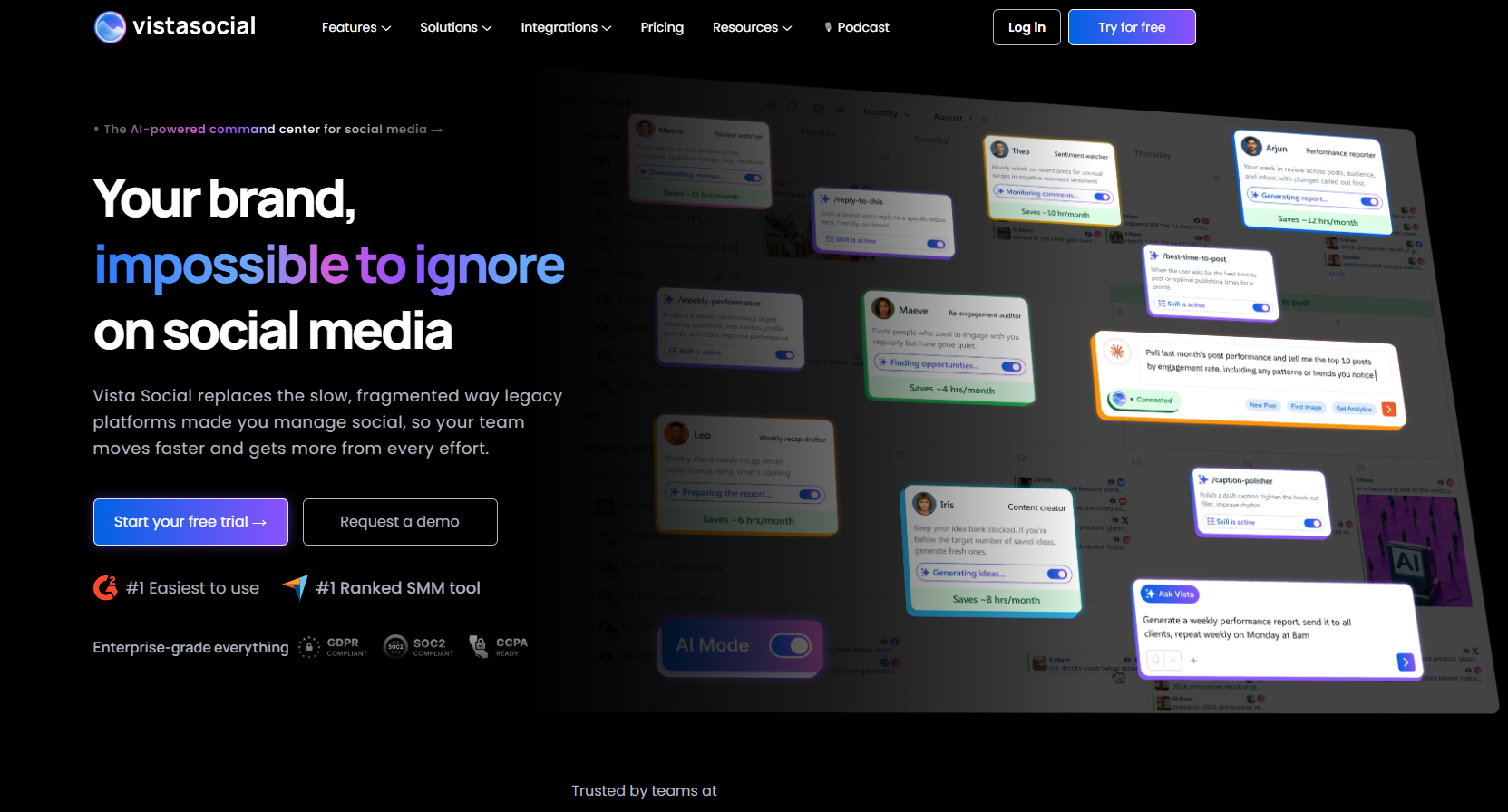
Vista Social carries the highest overall score in this list at 4.0, and the largest agent surface. Its hosted MCP server exposes 54 documented tools across publishing, scheduling, media, analytics, inbox, and workspace management. That is a different class of capability from FeedHive’s trigger-only endpoint, and a deeper analytics and engagement platform sits underneath it. It ranks third rather than first because it does not address the Instagram reliability trigger, and its entry price is roughly triple FeedHive’s Brand plan. Our Vista Social review carries the category detail.
Best for: Agencies and developer-adjacent teams who operate social publishing through an AI client. It also suits teams wanting listening, review management, and a unified inbox in one platform.
Key Features
Vista Social is the broadest platform here, spanning well past scheduling.
-
A hosted 54-tool MCP server, documented at
-
Publishing across roughly 13 networks, including Reddit, Snapchat, Tumblr, and Bluesky alongside the majors
-
Smart Inbox unifying comments and messages, plus a contact CRM
-
Review management for Google and Facebook reviews
-
DM automations with a flow builder, and social listening on owned profiles at no extra cost
-
Multi-stage approval workflows and custom report templates from the Advanced plan
Pros
Vista Social’s depth is genuine and well reviewed.
-
54 MCP tools with no stated rate limits, the largest agent surface of any tool in this list
-
G2 4.8 out of 5 across 1,101 reviews, the highest rating here on a large review base
-
Review management and employee advocacy extend past scheduling into reputation work
-
Unlimited social profiles and users on the Enterprise tier, with no per-seat surcharge below it
-
Nonprofit pricing is available on the Professional and Advanced plans
Cons
The entry price and the MCP gate both work against a departing FeedHive user.
-
Professional starts at $64 per month annual, roughly triple FeedHive’s $22 Brand plan
-
MCP begins on Advanced at $120 per month annual, so the headline capability is not on the entry plan
-
AI is credit-metered on every plan below Scale, which reproduces the FeedHive problem at a higher price
-
There is no bring-your-own-key option, so model choice stays with the vendor
-
X and Twitter publishing is a $29 per month add-on, and external listening starts at a further $75 per month
-
The AppSumo lifetime “unlimited” promise was later capped by a retroactive fair-use policy, and Trustpilot sits at 4.2 out of 5 across 680 reviews where that cohort concentrates
Pricing
Vista Social prices by social profile count, with the important features tiered rather than bundled.
| Plan | Price (annual) | Price (monthly) | Profiles | Users | AI credits | MCP |
|---|---|---|---|---|---|---|
| Professional | $64/mo | $79/mo | 15 | 2 | 1,000/mo | No |
| Advanced | $120/mo | $149/mo | 30 | 4 | 2,000/mo | Yes, 54 tools |
| Scale | $304/mo | $349/mo | 70 | 8 | 3,500/mo | Yes |
A 14-day free trial needs no card, and annual billing saves 20 percent. Add-ons stack on top: X at $29 per month, external listening from $75 per month, and employee advocacy at $199 per month. Rates verified on Vista Social’s pricing page.
What Users Say
Vista Social is the best-reviewed tool in this list on the major platforms, with one clear exception.
-
G2: 4.8 out of 5 across 1,101 reviews, with 92 percent five-star ratings
-
Capterra: 4.9 out of 5 across roughly 901 reviews
-
Trustpilot: 4.2 out of 5 across 680 reviews, where the lifetime-deal cohort concentrates its complaints
-
Reviewers who criticize the product target the AI as generic and inflexible rather than the publishing engine
Migrating from FeedHive to Vista Social
Connect profiles through the setup flow, then rebuild the calendar in the composer, because FeedHive exports nothing. FeedHive’s approval workflow maps onto Vista Social’s multi-stage approvals, which need the Advanced plan. For agent workflows, copy the hosted MCP URL from Settings, then Integrations, and paste it into your AI client. The 54 tools replace the per-trigger configuration FeedHive requires. Budget 3 to 4 hours for a three-person team across ten profiles. See Vista Social alternatives and PostMonk vs Vista Social.
4. Publer: Best Budget Replacement (3.9/5)
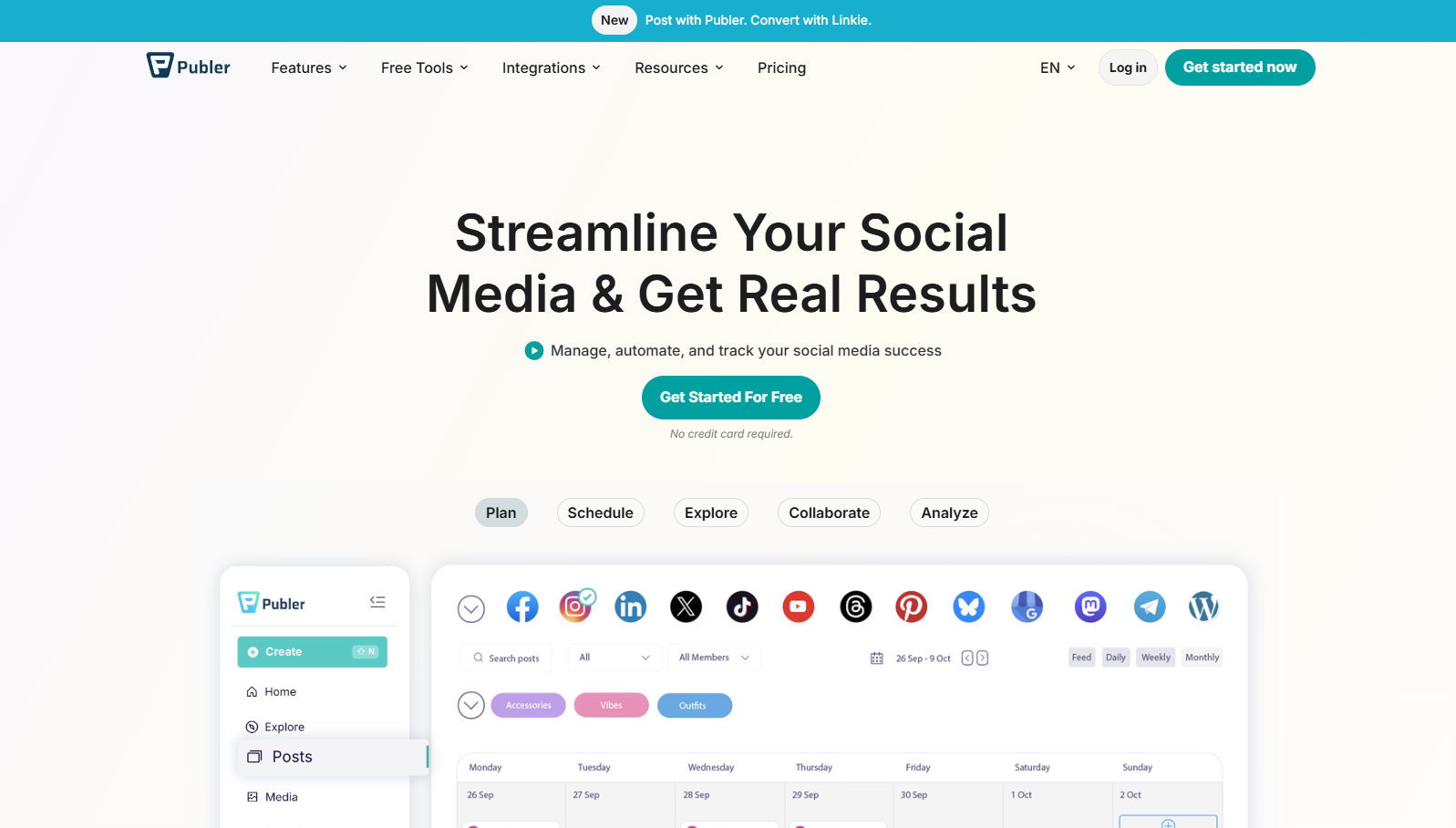
Publer scores 3.9 overall, second only to Vista Social here, and it costs a fraction of everything above it. Its AI model is more interesting than the price suggests. Publer’s help center documents that you can connect your own OpenAI key on any plan, including free, and OpenAI then bills you directly. That is a genuine bring-your-own-key path at $4 per month, which FeedHive does not offer at $239. Our Publer review documents the scoring.
Best for: Budget-conscious solo creators and small teams who want reliable multi-network scheduling. Publer pairs that with uncapped AI through your own OpenAI key at the lowest recurring price here.
Key Features
Publer covers a wide network list at a price point well below the rest of this list.
-
Publishing to 13-plus destinations, including Mastodon, Telegram, Bluesky, and self-hosted WordPress
-
AI Assist powered by GPT-5.5 and GPT Image 2, opening as a chat panel beside the composer
-
Bring-your-own OpenAI key on any plan
-
Post recycling, recurring posts, spintax, and auto-delete on paid plans
-
Competitor analysis across Facebook, Instagram, and X on Business
-
LinkedIn PDF carousels, Facebook carousels, polls, watermarks, and signatures
Pros
Publer’s value density at the low end is the story here.
-
Professional starts at $4 per month billed yearly, the lowest paid entry point in this list
-
Bring-your-own OpenAI key works on the free plan, so AI cost is your provider bill and nothing else
-
A wider destination list than FeedHive, including Mastodon, Telegram, Bluesky, and WordPress
-
G2 4.7 out of 5 across 512 reviews with near-zero one-to-three-star ratings
-
Post recycling and recurring posts cover most of what FeedHive’s evergreen engine does
Cons
Publer’s cheapness shows in analytics and in the shape of its AI.
-
The free plan cannot connect X at all, because of X’s enterprise API cost
-
Analytics and competitor benchmarking sit on the Business plan, and neither produces an agency-grade client deliverable
-
BYOK covers OpenAI only, with no Anthropic, Gemini, OpenRouter, or DeepSeek support
-
Shared AI with unlimited prompts is Business-only; on free and Professional you must supply your own key
-
No MCP server, and the REST API is Business-only, so agent-driven publishing is limited
Pricing
Publer’s headline prices are entry points, and the real cost scales with accounts and seats.
| Plan | Price (annual) | Social accounts | AI access | Notes |
|---|---|---|---|---|
| Free | $0 | 3 (no X) | BYOK OpenAI | 10 scheduled posts per account |
| Professional | From $4/mo | Scales with slider | BYOK OpenAI | Recycling, recurring posts, bulk scheduling |
| Business | From $8/mo | Scales with slider | Unlimited shared AI plus BYOK | Analytics, competitor analysis, API, approvals |
Because both paid tiers use an account-and-seat slider, model your real account count before comparing to a flat plan. Rates verified against Publer’s pricing page.
What Users Say
Publer’s review profile is unusually consistent across platforms.
-
G2: 4.7 out of 5 across 512 reviews, with 85 percent five-star and 13 percent four-star
-
Trustpilot: 4.8 out of 5 across more than 41 pages of reviews, refreshed daily
-
Publer self-reports 500,000 users and 1.5 million currently scheduled posts
-
The
Migrating from FeedHive to Publer
Connect accounts first, then rebuild the queue, since FeedHive exports nothing. If you publish to X, start on a paid plan, because the free tier cannot connect it. Set up recycling rules for the evergreen library, which is the closest match to FeedHive’s automated repurposing. Connect an OpenAI key under Settings and then Integrations to restore AI generation without a credit meter. Map FeedHive’s approval workflow to Publer’s Business plan. Budget 1 to 2 hours for a solo creator. See Publer alternatives and PostMonk vs Publer.
5. PostMonk: Best for BYOK AI and Lifetime Pricing (3.7/5)
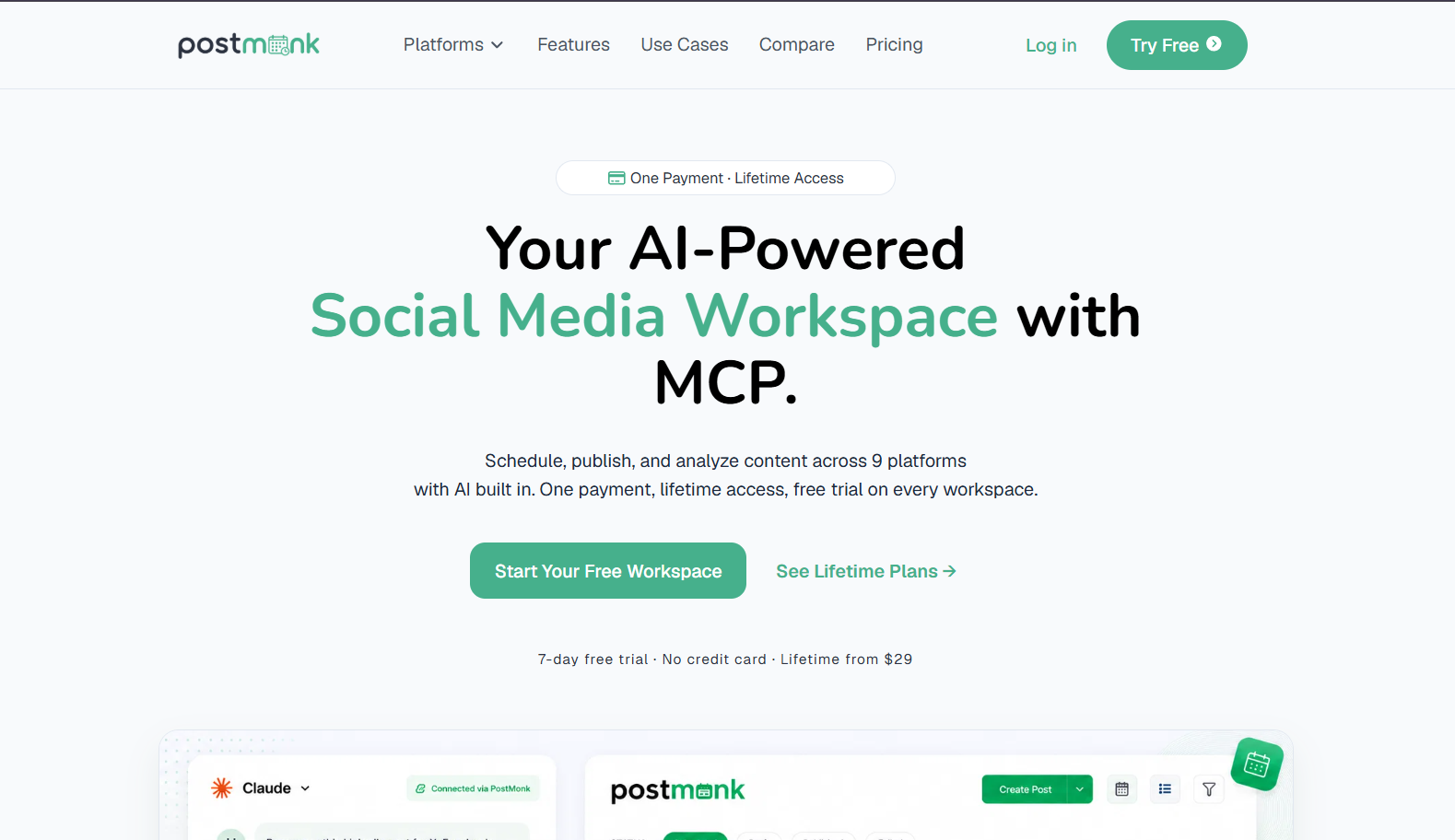
PostMonk sits at number 5 because Vista Social and Publer both outscore it inside Tier 2. Two structural differences separate it from FeedHive: bring-your-own-key AI across five providers on every paid plan, and one-time workspace pricing with no renewal. Its MCP server on Pro and Agency exposes a full write surface. An agent can create, update, approve, and query without any trigger being configured first. See PostMonk vs FeedHive for the direct feature comparison.
Best for: FeedHive users who empty the AI credit pool every month, and former AppSumo buyers done with renting a scheduler. It also fits teams driving publishing from an AI agent.
Key Features
PostMonk’s feature set is organized around AI access, agent access, and workspace isolation.
-
BYOK AI on every paid plan, accepting OpenAI, Anthropic Claude, Google Gemini, OpenRouter, and DeepSeek keys
-
A managed lifetime credit pool as a fallback: 8,000 on Starter, 20,000 on Pro, 40,000 on Agency
-
MCP server on Pro and Agency with read and write tools across posts, media, templates, ideas, and analytics
-
Publishing to 9 platforms: Facebook, Instagram, X, LinkedIn, TikTok, YouTube, Pinterest, Threads, and Bluesky
-
Failed-post retry with notification, first comment scheduling, and status tracking on every plan
-
Approval workflow, evergreen recycling, and recurring posts on Pro and Agency, with the client portal on Agency
-
CSV analytics export on Pro, and white-labeled PDF reports plus a custom domain on Agency
Pros
PostMonk’s advantages against FeedHive are architectural rather than incremental.
-
Five BYOK providers on the $29 Starter tier, so AI volume is limited by your own provider bill, not a plan cap
-
One-time pricing per workspace, which is the only such model in this list
-
An MCP write surface against FeedHive’s trigger-only endpoint, with 60 calls per hour on Pro and 300 on Agency
-
White-labeled PDF reports on the $99 Agency plan, against FeedHive’s $239 per month Agency tier with no white label
-
Failed-post retry with notification on every plan, which addresses the silent-failure pattern directly
Cons
PostMonk is the youngest product here, and the gaps are real.
-
Independent review volume is thin next to FeedHive’s 400-plus aggregate reviews, so third-party validation is limited
-
No conditional post rules equivalent to FeedHive’s engagement-threshold publishing
-
Competitor benchmarking and social listening are not available; competitor analysis is marked for a future release
-
Evergreen recycling, recurring posts, approvals, the REST API, and MCP are all absent from the $29 Starter plan
-
Bulk CSV import starts on Pro, so Starter users rebuild queues post by post
Pricing
PostMonk charges once per workspace, with no monthly or annual subscription at any tier.
| Plan | One-time price | Social accounts | Seats | BYOK AI | MCP | Reporting |
|---|---|---|---|---|---|---|
| Starter | $29 | 5 | 1 | All 5 providers | No | Dashboard only |
| Pro | $59 | 25 | 3 | All 5 providers | Full write surface | CSV export |
| Agency | $99 | 100 | 10 | All 5 providers | Full write surface | White-labeled PDF |
Every workspace starts with a 7-day free trial that needs no card, and a 30-day money-back guarantee applies after activation. Upgrades cost the difference between tiers. Try PostMonk free.
What Users Say
PostMonk is pre-product-market-fit and has no independent review corpus at scale, which we state rather than paper over.
-
No G2, Capterra, or Trustpilot aggregate exists at a volume worth quoting against the tools above
-
First-party customer statements include “we got tired of paying for the same thing twice” and “credit caps, monthly resets”
-
Those quotes reflect our positioning thesis, not independent verification
-
The case for PostMonk rests on verifiable feature architecture and pricing, not on review volume
Migrating from FeedHive to PostMonk
Rebuild the queue in PostMonk’s composer, since FeedHive exports nothing. Pro and Agency accept bulk CSV at 500 and 2,000 posts per batch respectively, so a spreadsheet of prepared content loads in one pass. Add a provider API key under integrations before the first AI generation, which takes 5 to 10 minutes per provider. FeedHive’s post conditions have no equivalent, so engagement-triggered publishing becomes Performance Rules on Pro and Agency, which recycle winners and retire underperformers. For agent workflows, connect the MCP server to Claude, ChatGPT, Cursor, or another MCP client; no trigger setup is required first. Read the broader category view in our social media management platform overview.
6. Metricool: Best for Analytics Depth (3.5/5)
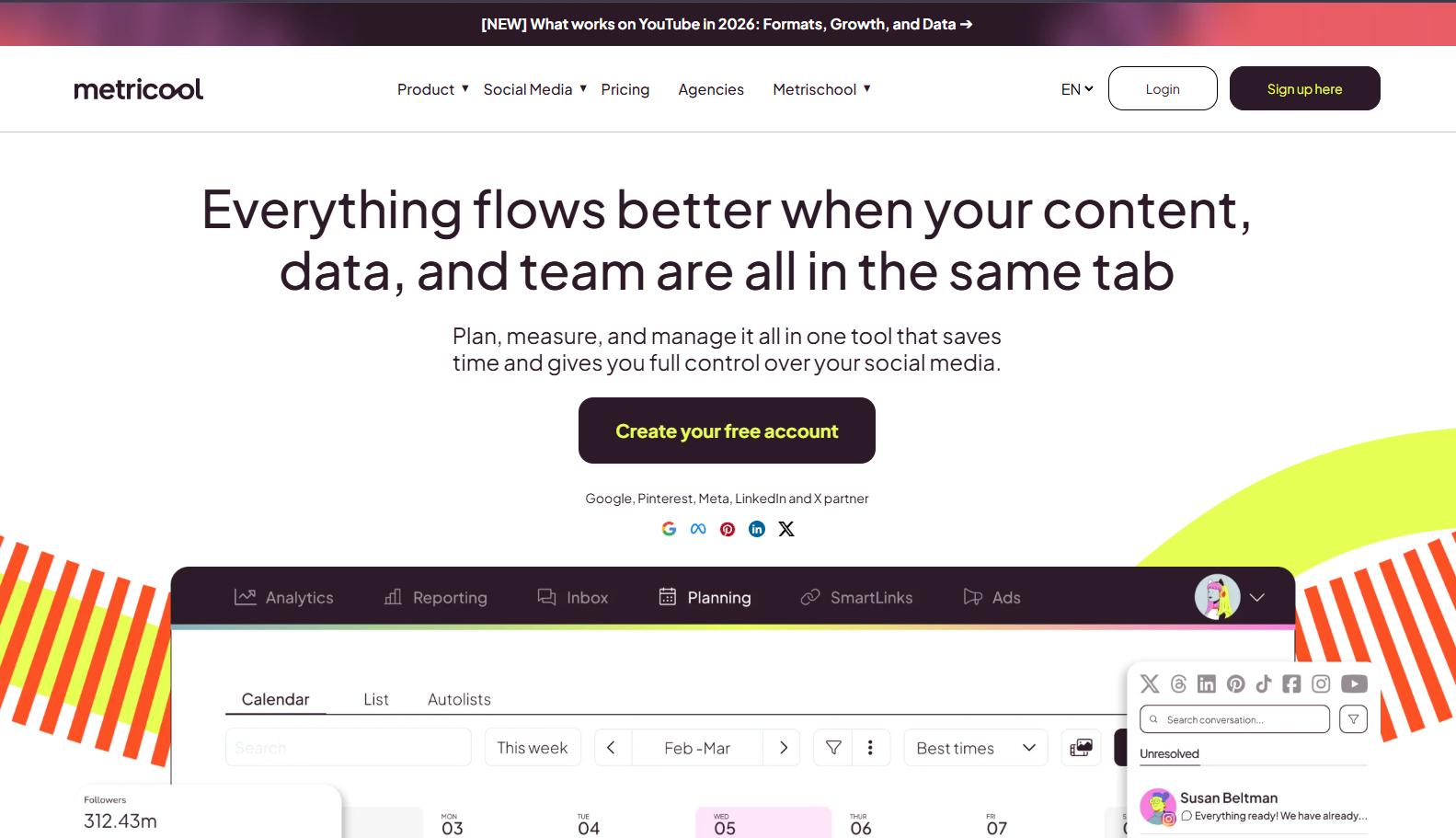
Metricool is the correct answer when the reason for leaving is that FeedHive’s analytics cannot produce a client deliverable. It exports PDF and PPT reports and benchmarks up to 100 competitors. It also pulls Google Ads and YouTube data into the same dashboard as the social numbers. Its official MCP server is available on the free plan rather than gated behind an upper tier. Our Metricool review shows the full scorecard behind 3.5.
Best for: Freelancers and analytics-led teams who bill on reporting and need cross-platform numbers, competitor benchmarks, and a downloadable client report.
Key Features
Metricool’s center of gravity is measurement, with scheduling built around it.
-
Cross-platform analytics with custom date ranges and unlimited history on paid plans
-
Competitor and influencer benchmarking across Instagram, Facebook, X, YouTube, and Twitch
-
PDF and PPT report export from the Starter plan, with customizable templates on Advanced
-
An official open-source MCP server at
-
Google Ads and YouTube analytics alongside the social data
-
Publishing to Facebook, Instagram, TikTok, X, LinkedIn, YouTube, Pinterest, Google Business Profile, and Threads
Pros
Metricool’s reporting depth is the strongest in this price range, by a clear margin.
-
Competitor benchmarking directly replaces the analysis FeedHive cannot produce at any tier
-
The MCP server is available on the free plan rather than gated behind an upper tier
-
Ad and video data in the same dashboard removes a second reporting tool from the stack
-
Looker Studio connector and role management on Advanced support genuine agency workflows
-
A perpetual free plan, not a trial, so the analytics can be evaluated before any spend
Cons
Metricool’s free tier is more limited than its marketing implies, and its AI is thin.
-
The free plan excludes LinkedIn and X entirely, which are core channels for most FeedHive users
-
Free analytics carry a Metricool watermark and reports cannot be downloaded at all
-
AI generation is 5 credits per month on free, with no bring-your-own-key option at any tier
-
No evergreen recycling engine and no conditional post rules
-
G2 and Trustpilot both carry a recurring billing complaint cluster about auto-renewal charges and refused refunds
Pricing
Metricool prices by the number of brands managed, so cost scales with clients rather than channels.
| Plan | Price (USD) | Brands | AI credits | Analytics | Reporting |
|---|---|---|---|---|---|
| Free | $0 | 1 | 5/mo | 30 days, watermarked | No download |
| Starter | $20/mo | 5 | Increased | Unlimited history | PDF and PPT reports |
| Advanced | $53/mo | 15 | Increased | Unlimited history | Custom templates, Looker Studio |
The free plan also caps scheduling at 20 posts per month and competitor tracking at 5 profiles. Starter rises to $36 per month for 10 brands, and Advanced to $85 for 25 brands and $159 for 50. White label sits on the Custom plan only. Rates verified on Metricool’s pricing page.
What Users Say
Metricool’s ratings are solid, on a much smaller review base than its traffic implies.
-
G2: 4.5 out of 5 across 97 reviews
-
Capterra: 4.4 out of 5 across 97 reviews
-
Trustpilot: approximately 4.2 out of 5, skewing critical on billing and support
-
The billing complaints are specific and dated: auto-renewal charges on inactive accounts and refused refunds
Migrating from FeedHive to Metricool
Connect the social accounts first, because Metricool backfills historical analytics on connection and the numbers are useful immediately. Rebuild the content calendar afterwards, since FeedHive exports nothing. Add competitor handles in the Competitors section to start benchmarking, which is the capability FeedHive lacks entirely. Budget roughly 1 hour for a single brand. Confirm your plan includes LinkedIn and X before migrating, because the free tier excludes both. See Metricool alternatives and PostMonk vs Metricool.
7. SocialBee: Best for Content Recycling Without Credit Caps (3.3/5)
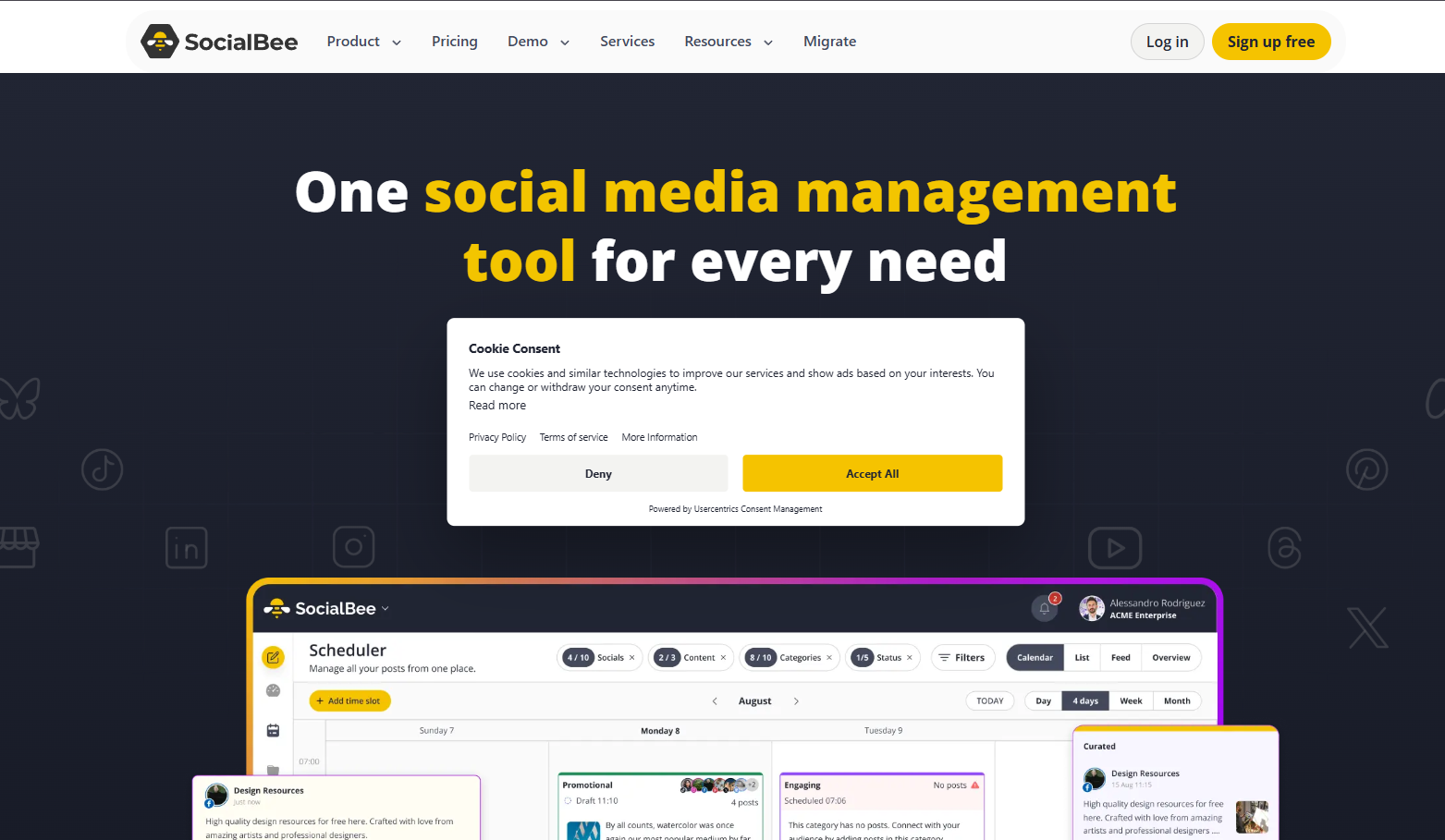
SocialBee removes FeedHive’s AI ceiling while improving on the feature FeedHive is best known for. Its category system automates evergreen rotation at the category level rather than post by post, which is structurally more durable than FeedHive’s per-post recycling. AI generation carries no cap on any plan, including the $29 entry tier. It scores 3.3, the lowest in Tier 2, because approvals, CSV upload, and long analytics history all sit above the entry plan. Our SocialBee review documents the scoring.
Best for: Creators and small teams who hit FeedHive’s credit ceiling every month and run a large evergreen library that needs structured rotation.
Key Features
SocialBee’s architecture is category-first, which is the main behavioral change coming from FeedHive.
-
Content categories, each with its own posting schedule and recycling rules
-
Unlimited AI generation on every plan, covering captions, hashtags, and content ideas
-
Direct publishing to 10 networks: Facebook, Instagram, Threads, X, LinkedIn, Pinterest, Google Business Profile, TikTok, YouTube, and Bluesky
-
Universal Posting for networks without API access, using a mobile reminder plus copy-and-paste
-
Post approval system and CSV bulk upload from the Accelerate plan
-
Branded report exports on the Pro plan
Pros
SocialBee’s advantages over FeedHive are specific to AI volume and recycling structure.
-
Unlimited AI generation on every plan is the clearest single fix for FeedHive’s credit ceiling
-
Category-level recycling keeps evergreen rotation running without per-post configuration
-
Ten networks, one more than FeedHive publishes to natively, including Bluesky
-
The $29 Bootstrap plan sits close to FeedHive’s $22 Brand tier for a similar account count
-
Universal Posting reaches Reddit, Facebook Groups, Mastodon, and Telegram, which FeedHive does not schedule to
Cons
SocialBee is not a clean upgrade, and two of its gaps are the same ones you may be leaving.
-
The category system needs upfront organization that FeedHive’s drag-and-drop calendar does not demand
-
Approvals and CSV bulk upload are gated to Accelerate at $49 per month, well above the entry tier
-
Analytics history is 3 months on Bootstrap, shorter than FeedHive Brand’s 200-day post history
-
No MCP server and no conditional post rules
-
Trustpilot sits at roughly 4.0 to 4.1 out of 5, where reliability and billing complaints concentrate, so publishing failures are not unheard of here either
Pricing
SocialBee prices by connected social profile, with features gated between the first two tiers.
| Plan | Price | Profiles | Users | AI generation | Analytics | Approvals |
|---|---|---|---|---|---|---|
| Bootstrap | $29/mo | 5 | 1 | Unlimited | 3 months | No |
| Accelerate | $49/mo | 10 | 1 | Unlimited | 2 years | Yes |
| Pro | $99/mo | 25 | 3 | Unlimited | 2 years | Yes |
Annual billing costs $290, $490, and $990 respectively. Agency tiers scale profiles and workspaces above Pro without adding features. Rates verified on SocialBee’s pricing page.
What Users Say
SocialBee’s ratings diverge sharply by platform, which is itself the useful signal.
-
G2: 4.7 out of 5, with Momentum Leader and Small Business Leader badges for Winter 2026
-
Capterra: 4.4 out of 5, praising recycling, value against Hootsuite, and support responsiveness
-
Trustpilot: roughly 4.0 to 4.1 out of 5 across about 43 to 56 reviews, concentrating reliability and billing complaints
-
The historic AppSumo Accelerate lifetime deal rates 4.69 out of 5 across 144 reviews
Migrating from FeedHive to SocialBee
The migration is a re-modeling exercise, not a data transfer. Sort your evergreen library into categories before importing anything, because the category structure determines the posting schedule. FeedHive’s recycled posts become category members with a rotation interval rather than individual recurring entries. Expect 2 to 4 hours of setup for a library of 100 posts, most of it categorization. If your content already lives in a spreadsheet, the Accelerate plan’s CSV upload loads it straight into categories. See SocialBee alternatives and PostMonk vs SocialBee.
8. Planable: Best for Client Collaboration (3.6/5)

Planable is the honest lateral move on this list. It scores 3.6 overall, above four tools ranked ahead of it. It still lands in Tier 3, because it solves none of FeedHive’s Instagram, AI, or analytics problems. It solves one problem better than anything else here: getting content reviewed and approved by people outside your team. Guest review links let a client comment and approve without creating an account, which FeedHive’s workspace-invitation model cannot match. Our Planable review carries the scoring.
Best for: Freelancers and small agencies whose bottleneck is client sign-off rather than publishing, and who need platform-accurate previews clients can read without training.
Key Features
Planable’s product is the review loop, with scheduling attached to it.
-
Guest view links, so clients approve without a Planable account
-
Four approval modes: none, optional, required, and multi-level sequential
-
Platform-accurate previews rendering each post as it will appear natively
-
Real-time collaborative editing with threaded comments on each post
-
Universal Content, extending the same review flow to newsletters, blog drafts, and ad copy
-
A native MCP connector on paid plans supporting Claude, ChatGPT, and Gemini
Pros
Planable’s collaboration layer is the most developed of any tool here.
-
Guest approval without account creation removes the biggest client-side friction point
-
Content locks after approval, so nothing changes between sign-off and publish
-
Unlimited users on every paid plan, priced per workspace rather than per seat
-
Scheduling fires automatically after final approval, with no manual re-trigger
-
G2 4.6 out of 5 across 1,055 reviews, a large and stable base
Cons
Planable is narrow, and its plan limits are tighter than the price suggests.
-
Multi-level sequential approval is Enterprise-only, not on Basic or Pro
-
Basic caps at 60 posts per month across 4 social pages; Pro at 150 posts across 10 pages
-
Analytics is a $12 per workspace per month add-on, and the social inbox another $7.50
-
The MCP connector creates drafts only; it cannot publish or bypass approvals, and there is no BYOK
-
There is no free plan, only a 50-post lifetime trial, and none of FeedHive’s automation has an equivalent
Pricing
Planable charges per workspace with unlimited users, and gates capacity by post count.
| Plan | Price | Posts per month | Social pages | Approval modes | Version history |
|---|---|---|---|---|---|
| Free trial | $0 | 50 total, lifetime | Limited | None, optional | Limited |
| Basic | $33/workspace/mo | 60 | 4 | None, optional | 1 week |
| Pro | $49/workspace/mo | 150 | 10 | None, optional, required | 30 days |
Multi-level approvals, unlimited posts, SSO, and list view sit on the custom-priced Enterprise plan. Add-ons are billed per workspace on top of the base plan. Rates verified on Planable’s pricing page.
What Users Say
Planable’s reputation is strong and specific: collaboration, not automation.
-
G2: 4.6 out of 5 across 1,055 reviews
-
Capterra, Software Advice, and GetApp all sit at 4.5 out of 5
-
The robertgoldenowl FeedHive roundup ranks it first and calls it “The Undisputed Champion of Collaboration”
-
That same roundup notes Planable “is not an automation beast,” which matches our own scoring
Migrating from FeedHive to Planable
Create the workspace, invite your team, then send guest links to clients, which needs no account on their side. Rebuild the calendar in Planable, since FeedHive exports nothing. FeedHive’s Brand-tier approval workflow maps onto Planable’s required-approval mode on Pro; if you need sequential multi-layer sign-off, that is Enterprise. Check the post cap before committing, because 60 posts per month on Basic is well below FeedHive Brand’s 500 scheduled posts. Budget 1 to 2 hours per workspace. See Planable alternatives and PostMonk vs Planable.
Which FeedHive Alternative Is Right for You?
Match the friction point that pushed you out of FeedHive to the tool that removes it.
-
If Instagram posts fail quietly: Buffer, for official Meta API partnership and a published 99 percent reliability figure across many channels, or Later if Instagram is the only channel that matters.
-
If AI credits run out mid-month: SocialBee for unlimited in-house generation on every plan, or PostMonk and Publer if you would rather supply your own provider key and skip the meter entirely.
-
If analytics cannot become a client report: Metricool, for competitor benchmarking and downloadable PDF and PPT reports from $20 per month.
-
If the trigger-only MCP blocks your agent: Vista Social for the largest tool surface at $120 per month annual, or PostMonk for a full write surface at $59 one-time.
-
If the recurring subscription is the problem: PostMonk is the only one-time purchase in this list.
-
If client sign-off is the bottleneck: Planable, for guest approval links and post-approval content locking.
-
If none of the five friction points apply to you: stay on FeedHive. Conditional post rules, automated evergreen recycling, and the visual calendar are genuinely good, and nothing here replaces all three at $22 per month.
Whichever way you go, run both tools in parallel for one publishing cycle before you cancel FeedHive. Every option here starts on a free plan or a free trial, so the parallel run costs nothing but the setup time.
FAQs
These answer the questions that come up most often in the search data around leaving FeedHive.
What are the best FeedHive alternatives?
The strongest FeedHive alternatives are Buffer, Later, Vista Social, Publer, PostMonk, Metricool, SocialBee, and Planable. The best one depends on the FeedHive limitation you are escaping. Buffer and Later fix Instagram reliability, SocialBee and PostMonk remove the AI credit cap, and Metricool produces the client report.
What is the best FeedHive alternative for Instagram?
Buffer and Later are the two strongest choices for Instagram. Buffer is an official Meta API partner and publishes a 99 percent post reliability figure across all its channels. Later is the better pick when Instagram is your only serious channel, because its grid planner and Link in Bio have no FeedHive equivalent.
Is there a free alternative to FeedHive?
Yes, three of them. Metricool’s free plan includes 1 brand, 20 posts per month, 5 competitor profiles, and an MCP server, but excludes LinkedIn and X. Buffer’s free plan covers 3 channels with the full AI Assistant permanently. Publer’s free plan covers 3 accounts, though it cannot connect X.
Does any FeedHive alternative offer lifetime pricing?
PostMonk is the only one in this list. Its workspaces cost $29, $59, or $99 once, with no recurring subscription. That matters to FeedHive’s former AppSumo lifetime buyers, whose deal ended in January 2022 and who have paid monthly since. Vista Social also ran an AppSumo lifetime deal, but later capped it with a retroactive fair-use policy.
Which FeedHive alternative lets me use my own AI key?
PostMonk and Publer both accept your own key; FeedHive accepts none on any tier. PostMonk takes OpenAI, Anthropic Claude, Google Gemini, OpenRouter, and DeepSeek keys on all three paid plans. Publer supports OpenAI only, on every plan including free, with OpenAI billing you directly.
Did FeedHive drop native X and Twitter support?
No. A competing scheduler’s landing page states that FeedHive “no longer supports native Twitter Integration,” and that claim ranks highly for this query. FeedHive’s own homepage still listed X among its publishing destinations when we checked on 28 July 2026. Verify on FeedHive’s site before treating this as a reason to switch.
What FeedHive alternative is best for agencies?
Metricool for reporting depth, at $53 per month for 15 brands with competitor benchmarking and custom report templates. Vista Social for client workspaces, review management, and white label on Scale. PostMonk’s Agency plan at $99 one-time carries white-labeled PDF reports, 100 social accounts, and 25 Brand Assets, against FeedHive’s $239 per month Agency tier.
Can I migrate my FeedHive scheduled posts to another tool?
No, not directly. FeedHive offers no CSV export for scheduled content, so every migration rebuilds the queue. PostMonk (Pro and Agency), SocialBee (Accelerate), and Buffer (through Zapier or Make) all accept bulk content if you keep your calendar in a spreadsheet. Run both tools in parallel for one cycle rather than cutting over mid-campaign.
Why do FeedHive Instagram posts keep failing?
Meta’s API instability affects every third-party scheduler, so the failures are not unique to FeedHive. What differs is recovery: FeedHive runs on roughly five people, and it does not retry failed posts automatically or notify you when one fails. Tools with official Meta partnership status and automatic failed-post retry recover faster from the same API events.
Is FeedHive still worth using in 2026?
Yes, for a specific profile. FeedHive scores 3.2 out of 5 on our rubric. It remains a good fit for solo creators publishing to LinkedIn, Facebook, and X. Those users get conditional post rules and evergreen recycling at $22 per month. It is a poor fit if Instagram is business-critical, if you exhaust AI credits, or if you bill clients on reporting.

