
Schedule TikTok Videos in Advance.
Stop Posting Manually Every Day.
PostMonk lets you batch upload videos, generate captions and hashtags with AI, set privacy and
interaction permissions per post, and let your queue handle the rest. Your TikTok account
stays consistent whether you create content once a week or once a month.
7-day free trial · No credit card · Lifetime from $29
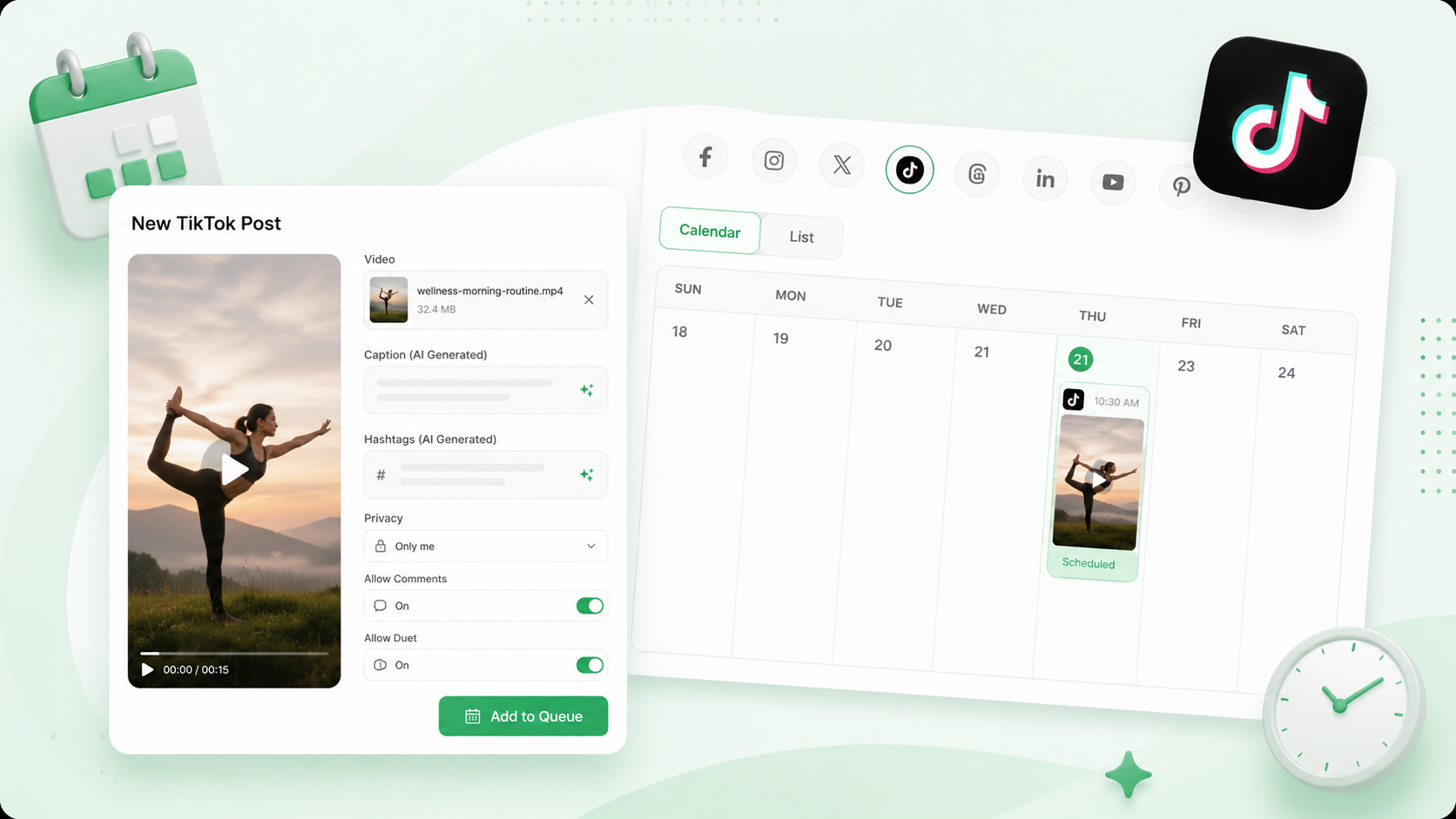
The Complete Stack for tiktok
Every TikTok Tool. Zero Manual Posting.
AI captions and hashtags, batch upload, automated publishing with per-post privacy and permission controls, comments, and analytics.
Create with AI
Platform-trained AI writes TikTok captions and hashtags in the right format, hook, and energy
Schedule videos
Upload, caption, and schedule a full week of TikTok content in one session without daily effort
Publish automatically
Queue and Performance Rules keep your account posting consistently without logging in
Grow with data
Analytics and AI insights show which videos are driving views and what to post more of
The PostMonk Workflow
From the First Concept to the Performance Data.
Capture ideas, write captions, queue videos with the right permissions, reply to comments, and track what drives views.
Create
Captions That Fit TikTok. Written in Seconds.
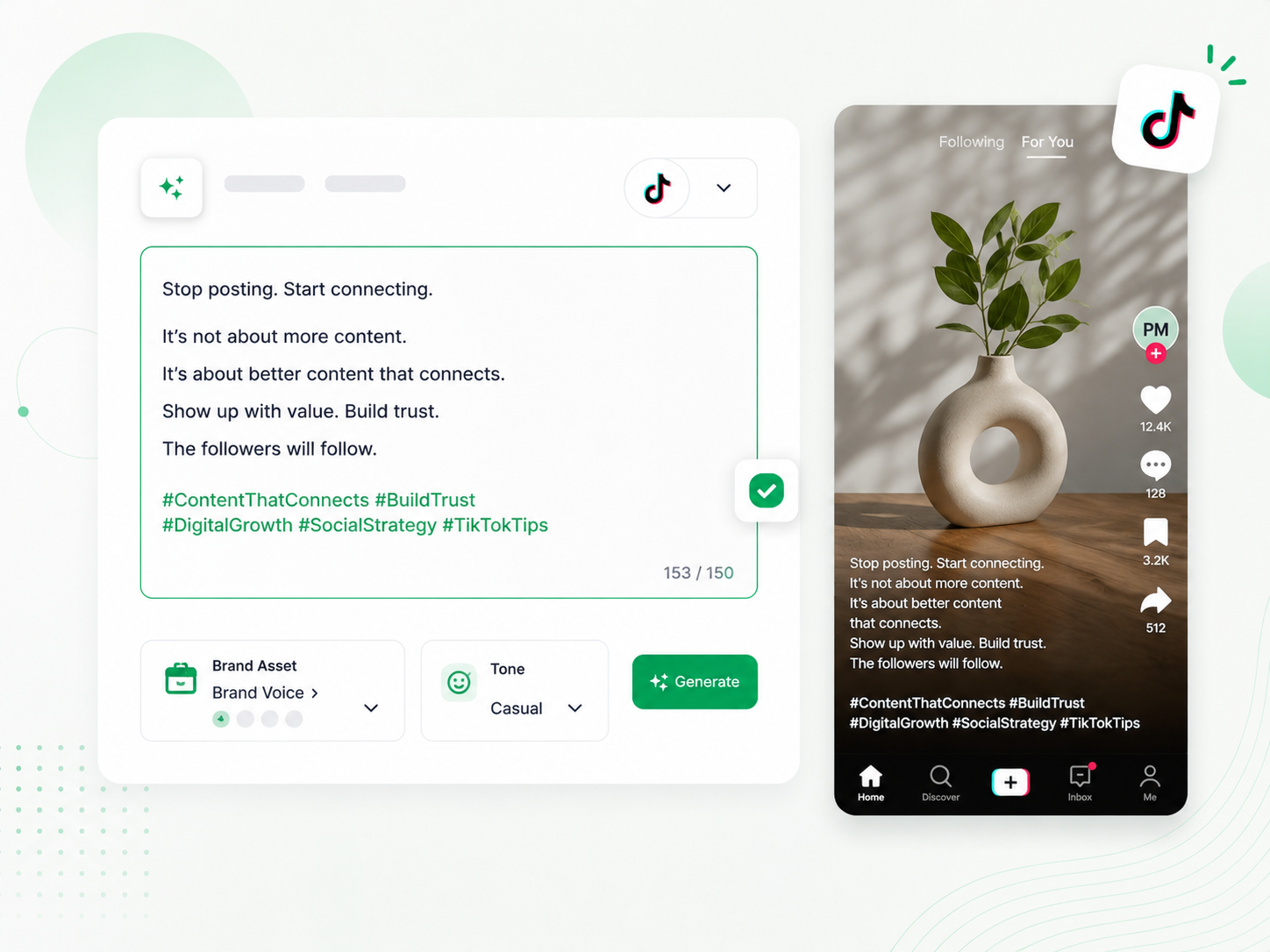
PostMonk's AI writes TikTok captions with the platform's character limit, hook structure, and hashtag conventions in mind. Select a Brand Asset, and your saved voice, hashtags, and tone are loaded before you type a word.
AI writes captions with a front-loaded hook and the right energy for TikTok's format
Hashtag suggestions mix niche and broad discovery tags and populate with every caption
Tone options include casual, funny, inspirational, and educational to match your content
Brand Assets store each account's voice, hashtags, and cadence pre-configured
Plan
Batch a Week of TikTok Content. Done in One Session.
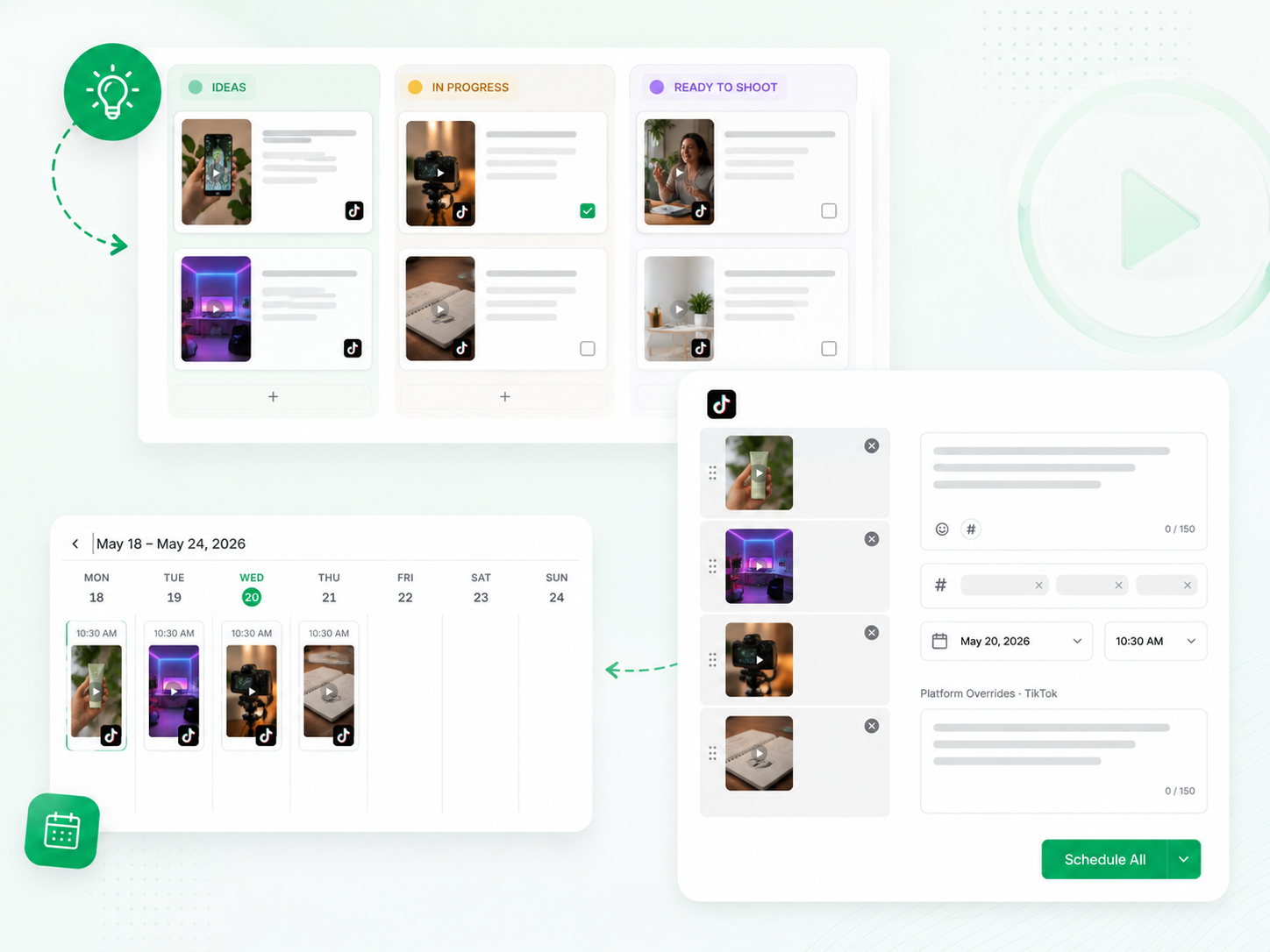
Posting daily on TikTok is unsustainable without a system. PostMonk's Ideas Board captures video concepts before they are ready to shoot, and the composer lets you upload, caption, and schedule multiple videos without leaving the page.
Ideas Board organizes video concepts across Kanban columns so nothing is lost before production
Upload multiple videos sequentially and assign each a caption, hashtags, and time in one session
Per-platform overrides let you write a TikTok-specific caption within any multi-platform post
Scheduled videos appear in your content calendar so your full week is visible at a glance
Publish
Your TikTok Queue Runs. You Create When It Suits You.
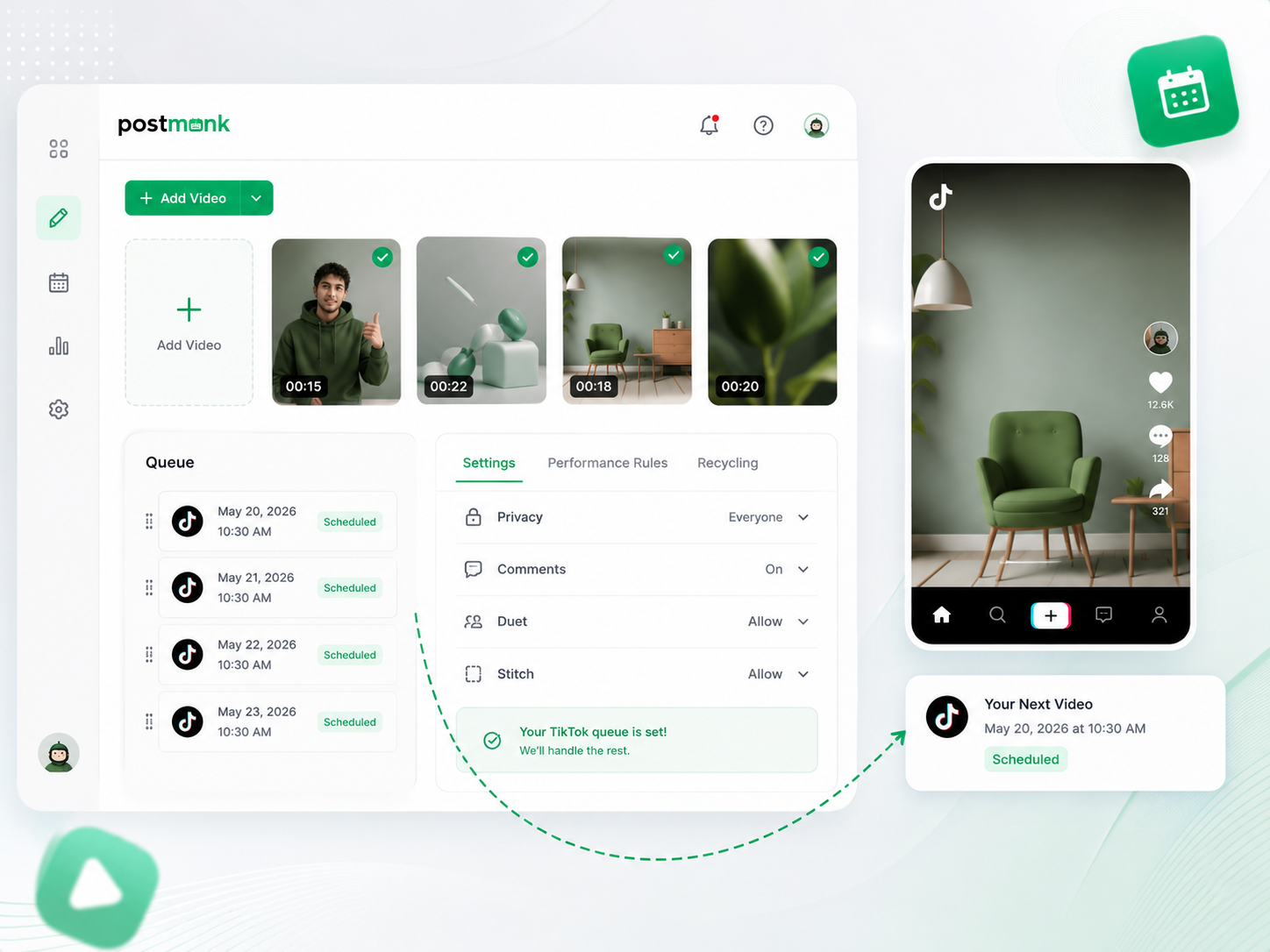
PostMonk fills your TikTok queue automatically as you add videos, keeping your posting cadence consistent without daily manual effort. Privacy settings, interaction permissions, and Performance Rules are all configured in the composer before anything goes live.
Queue fills automatically as you add videos, keeping your account on cadence without daily effort
Set privacy, comment, duet, and stitch permissions per video before scheduling
Evergreen recycling requeues top videos at your chosen interval for continued reach
Performance Rules cross-posts winning videos to Instagram Reels or YouTube Shorts automatically
Engage
Reply to Every Comment. Stay in the Conversation.
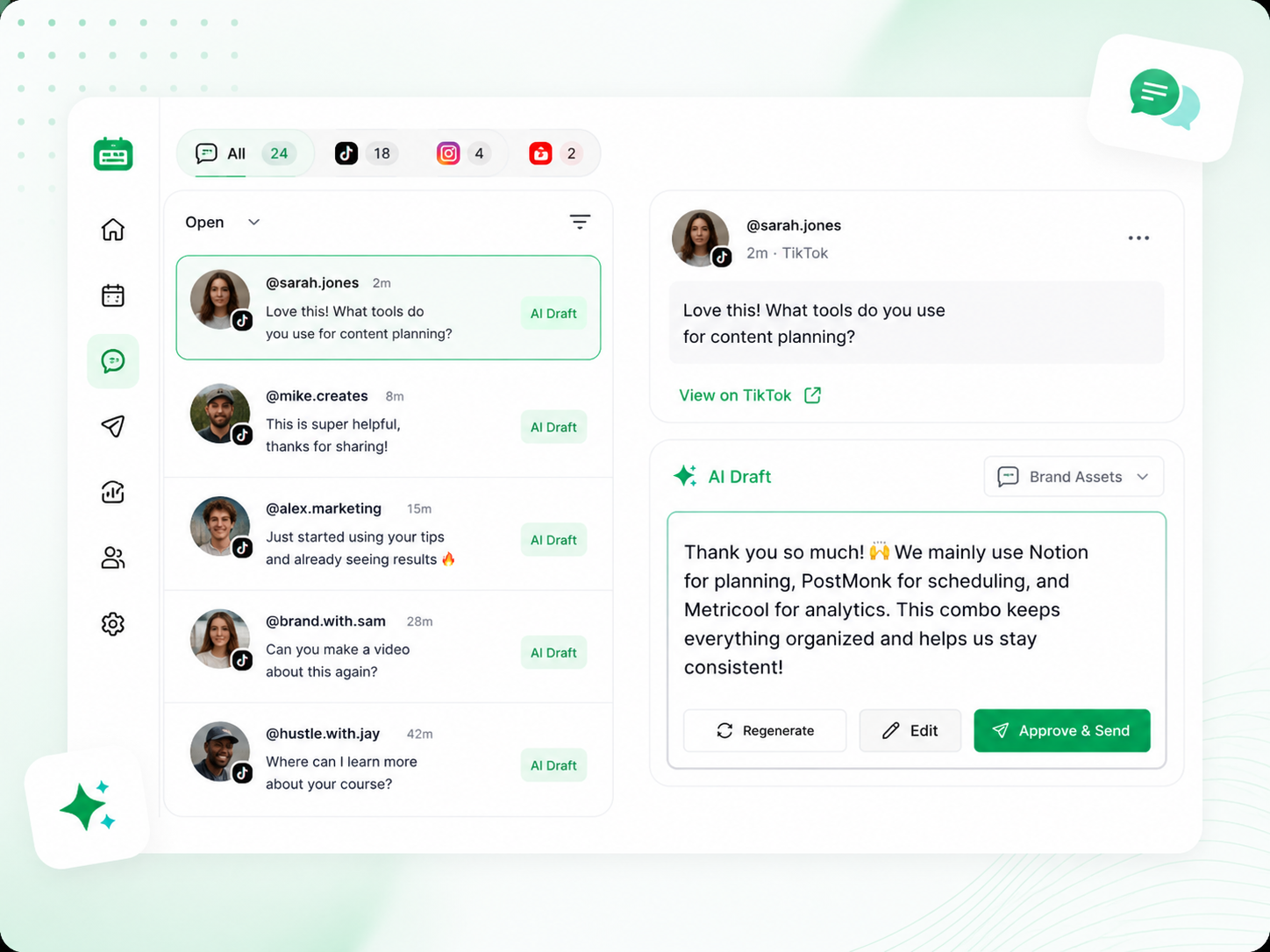
TikTok comments build community and signal to the algorithm that content is worth amplifying. PostMonk pulls comments from every connected account into one inbox and drafts a reply in your Brand Asset's voice, so you respond quickly and consistently.
Comments from all connected TikTok channels surface in one unified inbox
AI drafts a reply for each comment in your Brand Asset's voice
Edit, approve, and send replies directly from PostMonk without opening TikTok
AI drafts handle high-volume comment sections without you opening TikTok
Analyze
See Which Videos Perform.
Know Exactly Why.
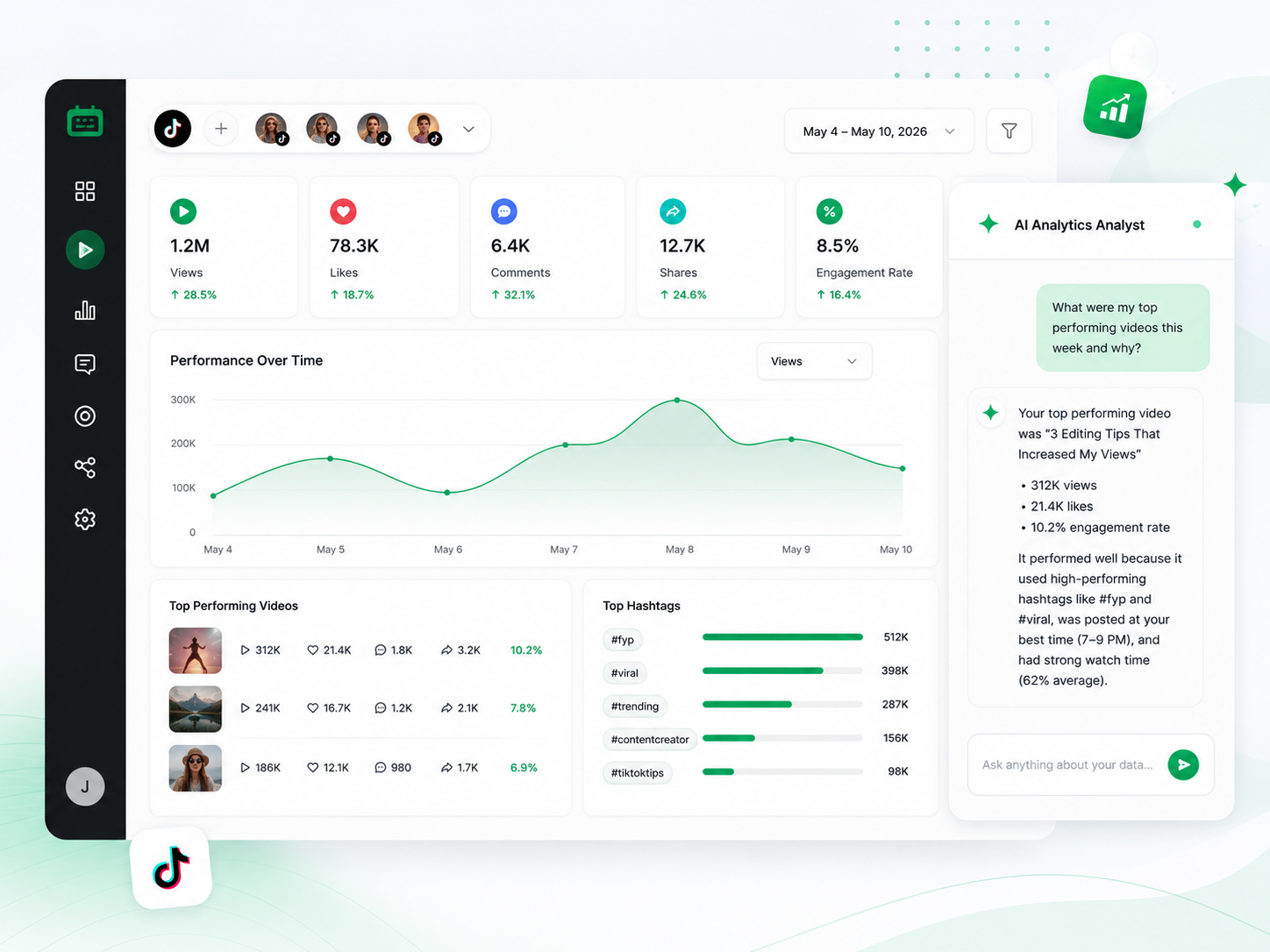
PostMonk tracks views, likes, comments, shares, and engagement rate across all connected TikTok accounts in one dashboard. Ask the AI Analytics Analyst anything in plain language, and it answers with your actual account data.
Views, likes, comments, shares, and engagement rate consolidated across every connected channel
Hashtag analytics show which tags are driving discovery and which are not worth the caption space
Best time to post recommendations is based on each account's own engagement history, not TikTok-wide averages
AI Analytics Q&A answers natural language questions using your actual account data
Ready to run your TikTok workflow
from one place?
Use AI, Brand Assets, multi-platform publishing, analytics, and automation inside one dedicated workspace.
7-day free trial · No credit card · Lifetime from $29
FAQ
All Your Questions, Answered
Does PostMonk publish TikTok videos directly, or does it send a push notification?
PostMonk publishes TikTok videos directly to your connected account at the scheduled time. No push notification or manual step is required.
Can I set privacy and interaction settings for each TikTok video before scheduling?
Yes. Before scheduling any TikTok video, you can set the audience setting (Public, Friends Only, or Private) and configure comment, duet, and stitch permissions in the composer. These settings apply to the specific post and do not override your account's global defaults.
Does PostMonk support TikTok Business accounts?
PostMonk connects to TikTok Business accounts. Personal TikTok accounts are not supported for direct scheduling through TikTok's API.
Can I schedule TikTok videos and Instagram Reels in the same session?
Yes. PostMonk lets you post to multiple platforms from a single composer session. Select your TikTok account and Instagram account in the same post, or use per-platform overrides to write different captions for each before scheduling.
How do best-time recommendations work for TikTok?
PostMonk analyzes your TikTok account's historical engagement: views, likes, and shares per post at different times and days. It surfaces the posting windows that have produced the most engagement for your specific account, not TikTok-wide averages.
Can PostMonk automatically cross-post my best TikTok videos?
Yes. Performance Rules let you set an engagement threshold (views, likes, shares, or engagement rate), and PostMonk automatically cross-posts to Instagram Reels, YouTube Shorts, or other platforms when a video crosses that number. No manual action required.
Can an AI assistant manage my TikTok posting for me?
Yes. PostMonk's built-in MCP server lets AI assistants (Claude, ChatGPT, or any MCP-compatible agent) take real action inside your workspace through plain conversation. Tell your AI to schedule a TikTok video, pull last month's top-performing content, or approve a draft, and it executes directly inside PostMonk.

Built with ❤️ by the team @ Dorik.com
AI-first social media management
with lifetime workspace pricing.
© 2026 PostMonk, a product of Dorik, Inc.