

The six strongest Loomly alternatives in 2026 are PostMonk, SocialPilot, Buffer, Metricool, Planable, and SocialBee. We scored each on the same seven-category rubric we apply to every scheduler. We then ranked them by how directly each one solves the reason people leave Loomly.
Loomly scores 3.0 out of 5 on that rubric. Its calendar and its approval workflow still rate well. Its pricing does not.
The January 2025 Bending Spoons restructure deleted both mid-tier plans. What remains is a $65 Starter and a $332 Beyond with nothing between them. A fourth user or a thirteenth account moves an annual bill from $588 to $2,988.
Below: the ranked list, and what Loomly still does better than most of it. Then the criteria that decide a switch, and a comparison table with Loomly as the reference row. Every alternative gets a scored breakdown with migration steps.
Best Loomly Alternatives at a Glance
Each tool below is matched to one documented reason people leave Loomly, ordered by switching-fit tier first, then by overall score inside each tier.
-
PostMonk (3.7/5): best for teams done with a renewing social bill, with one-time workspace pricing from $29 and bring-your-own-key AI on every plan (Tier 1)
-
SocialPilot (3.6/5): best for agencies priced out of Beyond, with four graduated tiers at $20, $40, $100, and $200 a month (Tier 1)
-
Buffer (3.5/5): best for escaping the three-seat cap, with unlimited users on the $10 per channel Team plan (Tier 1)
-
Metricool (3.5/5): best for reporting depth at the entry tier, with competitor tracking on 5 profiles included on the free plan (Tier 1)
-
Planable (3.6/5): best for keeping a Loomly-style approval workflow, with unlimited reviewers on every plan from $33 a workspace (Tier 2)
-
SocialBee (3.3/5): best for evergreen recycling Loomly has never offered, with category queues from $29 a month (Tier 2)
Tier 1 tools change Loomly’s pricing structure outright, through one-time, graduated, per-channel, or per-brand billing. Tier 2 tools fix a specific Loomly limitation without changing the recurring-cost math.
One dimension no other Loomly roundup measures is agent access. Four of these six alternatives expose a native MCP server, at varying depth, so an AI assistant can work inside the tool. Loomly exposes none.
Disclosure: This guide is written by the PostMonk team. PostMonk competes with Loomly and with every tool on this list. It appears in the ranking scored by the same rubric as everyone else. It holds the top position because it carries the highest score in this pool, not because we publish the page.
How we score: Every product carries the overall score from our published review methodology. That rubric weights scheduling and publishing, channels and integrations, content creation, analytics, ease of use, pricing, and support. This list is ordered by switching-fit tier first, then by that score. Read the full method at how we review social media management tools.
Why People Switch from Loomly
Teams leave Loomly over price, not product. Loomly earns 4.7 out of 5 across 509 Capterra reviews. Reviewers praise the drag-and-drop calendar, the per-platform previews, and the client approval links that need no client login.
Its Starter plan also includes more than competing roundups admit. Approval workflows, advanced analytics, and the AI assistant chat all sit on the $65 tier, not behind Beyond. Beyond adds custom branding, custom roles, the hashtag manager, and calendar 2FA.
The rating split shows where the damage landed. Capterra’s 4.7 average reflects a largely pre-acquisition user base. Trustpilot, which skews to recent experiences, rates Loomly 3.8 out of 5 across 104 reviews.
The switching pressure comes from three specific friction points.
-
The $267 monthly gap. Bending Spoons acquired Loomly in January 2025, then deleted the Standard ($80) and Advanced ($175) plans. What is left is $65 Starter or $332 Beyond. On annual billing that is $588 against $2,988 a year. One Capterra reviewer reported a move from $300 to $2,988, a 996% increase served with 30 days of notice. A Reddit thread asking for alternatives after the hike drew more than 20 replies.
-
The three-seat Starter cap. Starter allows 3 users and 12 social accounts. A freelancer with two clients plus a personal account is already full. An agency running a manager, a copywriter, and a designer has no seat left for a client reviewer. There is no seat add-on, so the next step is Beyond.
-
Silent publishing failures. Capterra reviewers document scheduled posts failing with no notification. One wrote that “I also don’t get alerted if a post does not go out successfully” (Capterra, 2025). Another reported Pinterest publishing breaking after the restructure. A second Reddit thread puts it bluntly: Loomly “increased pricing/lowered accounts in plan then proceed to completely ruin the service”.
Honest carve-out: Loomly remains the right tool for a team of one to three people running six to twelve accounts on a calendar-and-approvals workflow. Starter covers that configuration well. Nonprofits with a government-issued determination letter get a 50% lifetime discount, which puts the annual cost at $294. Our full Loomly review scores it 3.0 out of 5 and shows where each category lands.
How to Choose a Loomly Alternative
Six criteria decide whether a tool actually replaces Loomly for your team. Work through them before you shortlist anything.
Pricing model: per-seat, per-channel, per-workspace, or one-time
The pricing model matters more than the sticker price, because it decides what happens when you grow. Loomly bills per plan tier, so one extra seat can multiply the bill. Per-channel and per-brand models charge for what you publish to, not who logs in. One-time models stop the bill entirely.
Run the math for the team you expect in twelve months, not the team you have. A tool that looks $30 cheaper today can cost more once a second client lands.
Seat and account headroom at the entry tier
Count the people who need a login, including client reviewers, then count your social accounts. Loomly Starter caps both at 3 users and 12 accounts. Any alternative you consider needs headroom above your current numbers on its entry plan, not on its top plan.
Watch for per-workspace seat caps. Two tools in this comparison advertise cheap entry pricing while allowing one user per workspace, which rebuilds the same wall in a different place.
Approval workflow depth
Loomly’s approval chain, with external client links that need no login, is the feature its users miss most. Approval depth varies sharply across replacements. Some ship a single approve-or-reject gate, some offer multi-stage approvals, and some gate approvals behind a higher tier.
Decide whether you need a shareable client review link, multi-level sign-off, or just an internal draft check. That single answer eliminates half the market.
Analytics and client reporting
Loomly Starter includes advanced analytics, so an alternative that charges extra for reporting is a downgrade. Check three things: how far back the history goes, whether cross-platform reports export as PDF, and whether white-label branding costs extra.
Agencies should price the analytics add-on into the monthly figure before comparing. A $33 plan with a $12 analytics add-on is a $45 plan.
Publishing reliability and failure alerts
The complaint pattern that follows Loomly’s price complaints is posts failing with no alert. Ask any candidate a specific question: does it notify you when a scheduled post fails, and does it retry automatically?
Reliability is the one criterion you cannot verify from a pricing page. Check recent Trustpilot and Reddit reports rather than the vendor’s uptime claim.
Migration effort and export timing
Every migration in this category runs on the same pattern: export your Loomly content, connect accounts, then rebuild the queue. The variable is whether the destination has a bulk importer or makes you retype posts.
Timing matters more than tooling. Run the Loomly export before your renewal date, because one Capterra reviewer reported losing export access during a billing dispute.
How These Loomly Alternatives Compare
This table carries all six alternatives in the same order as the list above. Loomly sits in the last row, so you can measure each option against what you are leaving.
| Tool | Score | Starting price | Pricing model | Users at entry | Accounts at entry | Free plan | BYOK AI | MCP server |
|---|---|---|---|---|---|---|---|---|
| PostMonk | 3.7/5 | $29 one-time | One-time per workspace | 1 | 5 | No (7-day trial) | Yes, all plans | Yes, Pro and Agency |
| SocialPilot | 3.6/5 | $20/mo | Per user, graduated | 1 | 5 | No (14-day trial) | No | Yes, all plans |
| Buffer | 3.5/5 | $0 | Per channel | 1 (Team: unlimited) | 3 on free | Yes, 3 channels | No | Yes, posts and queue only |
| Metricool | 3.5/5 | $0 | Per brand | 1 (Advanced: unlimited) | 1 brand on free | Yes, 1 brand | No | No |
| Planable | 3.6/5 | $33/workspace/mo | Per workspace | Unlimited | 4 pages | Trial only, 50 posts | No | Connector, drafts only |
| SocialBee | 3.3/5 | $29/mo | Per plan, by profile count | 1 per workspace | 5 profiles | No (14-day trial) | No | No |
| Loomly (your current tool) | 3.0/5 | $65/mo | Per plan tier | 3 | 12 | No (7-day trial) | No | No |
Prices and features were verified from each vendor’s live pricing page on 2026-07-28. Loomly figures come from Loomly’s pricing page. Check each vendor’s site before you buy, because this category reprices often.
1. PostMonk: Best for Ending the Recurring Bill (3.7/5)
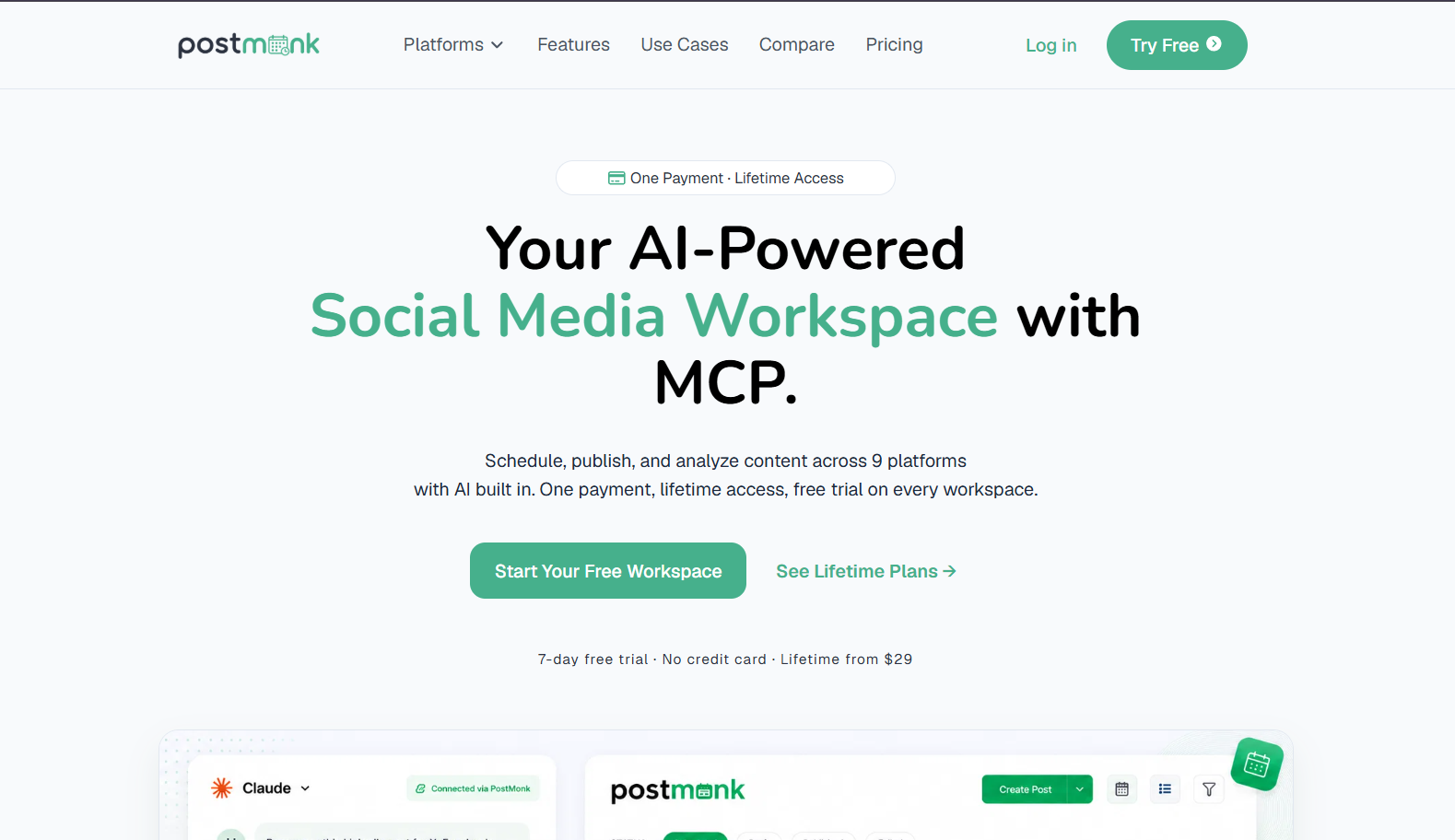
PostMonk scores 3.7 out of 5, the highest overall score in this pool, and it is the tool we build. It is also the only option here that does not renew. A workspace is activated once with a lifetime code and stays active without further billing.
Pro costs $59 one time and covers 25 social accounts, 3 team seats, bring-your-own-key AI, and a native MCP server. Loomly Starter passes $59 in the second month of annual billing.
Best for: Operators, freelancers, and small agencies who want the tool bill to stop permanently. Also AI-forward teams that want their own model key or an MCP agent driving the workflow.
Key Features
PostMonk is an AI-first social media management platform built around a lifetime workspace rather than a subscription. Each workspace is isolated, with its own accounts, calendar, team, and analytics.
-
Bring-your-own-key AI on every paid plan, using OpenAI, Anthropic Claude, Google Gemini, OpenRouter, or DeepSeek
-
Native MCP server on Pro and Agency, with a full read and write surface covering posts, media, templates, and approvals
-
Content approval workflow with reviewer comments on Pro and Agency, plus a scoped client portal on Agency
-
Bulk CSV import at 500 posts per batch on Pro and 2,000 on Agency
-
Evergreen recycling, recurring posts, and performance rules on Pro and Agency
-
Nine native platforms: Facebook, Instagram, X, LinkedIn, TikTok, YouTube, Pinterest, Threads, and Bluesky
Pros
PostMonk’s advantages over Loomly concentrate on cost structure and AI control.
-
One payment ends the recurring bill, which removes the renewal-hike risk that dominates every Loomly switching thread on Reddit
-
Bring-your-own-key AI on every paid tier, so AI usage is billed by your provider instead of metered as credits
-
The MCP server covers create, update, approve, and reject actions, not drafts alone
-
Thread composer for X, Threads, and Bluesky, which Loomly does not offer
Cons
PostMonk is the youngest tool in this list, and the gaps are real.
-
No public G2, Capterra, or Trustpilot reviews yet, so there is no independent track record to check
-
Starter covers 5 social accounts against Loomly Starter’s 12, so account-heavy teams start at Pro
-
No social inbox and no social listening, both of which Loomly ships today
-
Approval workflow and per-platform overrides start at Pro ($59), not on Starter
-
No mobile app is listed on the public feature set
Pricing
PostMonk sells one-time lifetime workspace codes rather than monthly plans.
| Plan | One-time price | Accounts | Seats | BYOK AI | MCP server |
|---|---|---|---|---|---|
| Starter | $29 | 5 | 1 | Yes | No |
| Pro | $59 | 25 | 3 | Yes | Yes |
| Agency | $99 | 100 | 10 | Yes | Yes |
A 7-day free trial runs with no credit card, and a 30-day money-back guarantee applies after a workspace is activated. Loomly Starter costs $588 a year on annual billing, so PostMonk Agency at $99 is recovered in roughly two months at that rate.
What Users Say
PostMonk has no public G2, Capterra, or Trustpilot listing at the time of writing, so there is no third-party sentiment to report. Every impression in this section comes from our own product testing against the published rubric. Treat the absence of reviews as a genuine risk, and use the trial and refund window to test it against your own calendar before committing.
Migrating from Loomly to PostMonk
The move takes five steps, and the CSV import does the heavy lifting on Pro and above.
-
Export your scheduled content from Loomly while your subscription is still active.
-
Start a PostMonk workspace from the 7-day free trial.
-
Connect your social accounts inside the workspace.
-
Configure a Brand Asset to match your Loomly brand settings: tone, hashtags, and UTM parameters.
-
Import upcoming posts through the CSV importer on Pro or Agency.
Starter has no bulk CSV import, so Starter users rebuild future posts in the composer instead. Approvals map differently too: Loomly’s external client link becomes a scoped client login on the Agency plan. For a feature-by-feature breakdown, read PostMonk vs Loomly.
2. SocialPilot: Best for Agencies Priced Out of Beyond (3.6/5)

SocialPilot scores 3.6 out of 5 and offers the most direct structural answer to Loomly’s pricing gap. Four graduated tiers run at $20, $40, $100, and $200 a month, each adding accounts, seats, and capabilities without a binary jump.
A team that needs 6 users pays $100 a month here, against $332 at Loomly. The trade is analytics coverage: SocialPilot reports on only five of the ten platforms it publishes to.
Best for: Agencies and teams stuck at Loomly’s three-seat wall who need more accounts, client approvals, and white-label PDF reports without paying the Beyond rate.
Key Features
SocialPilot’s tier ladder is the product decision that matters most for a Loomly refugee.
-
Four graduated plans at $20, $40, $100, and $200 a month, plus an Enterprise tier
-
Bulk CSV scheduling at up to 500 posts per upload from the Standard plan
-
Client approval workflow and white-label PDF reports on Premium ($100)
-
Native MCP server on every plan, including the $20 Essentials tier
-
Ten platforms: Facebook, Instagram, TikTok, X, LinkedIn, Threads, YouTube, Pinterest, Google Business, and Bluesky
-
Migration services and a dedicated account manager on Ultimate ($200)
Pros
SocialPilot answers the two most common Loomly switching triggers directly.
-
Graduated tiers remove the cliff, so adding seats or accounts costs $5 and $4 a month rather than $267
-
White-label client reports arrive at $100 a month instead of Loomly’s $332
-
Bulk CSV upload at 500 posts per batch handles a full quarter of client content in one pass
-
A 14-day trial runs with no credit card
Cons
SocialPilot’s gaps are specific and worth checking against your workflow.
-
Analytics are unavailable for five of the ten supported platforms, including TikTok, Pinterest, and YouTube
-
Failed scheduled posts generate no alert, which repeats the exact Loomly complaint some readers are escaping
-
Advanced analytics and client approval both sit on Premium at $100 a month
-
No bring-your-own-key AI: the assistant runs on metered credits, from 500 on Essentials to unlimited on Ultimate
-
The content calendar is less visually rich than Loomly’s mock-up view
Pricing
SocialPilot prices per plan with a 15% discount on annual billing.
| Plan | Monthly | Annual (per month) | Accounts | Users |
|---|---|---|---|---|
| Essentials | $20 | $17 | 5 | 1 |
| Standard | $40 | $34 | 10 | 3 |
| Premium | $100 | $85 | 20 | 6 |
| Ultimate | $200 | $170 | 40 | Unlimited |
Extra accounts cost $4 a month and extra users cost $5 a month from Standard upward. Full tier detail sits on SocialPilot’s pricing page.
What Users Say
SocialPilot rates 4.5 out of 5 on G2 from 846 reviews and 4.4 out of 5 on Capterra from 374. Trustpilot is the outlier at 2.6 out of 5 from 38 reviews, concentrated on billing disputes and refund friction.
The most useful signal comes from an actual switcher. A poster in the r/SocialMediaMarketing “Leaving Loomly” thread wrote that “my team just switched from Loomly to SocialPilot because of the price hike. Very similar tools and I honestly much rather prefer SocialPilot’s” (Reddit, 2025). SocialPilot reports more than 13,000 customers publishing over 10 million posts a month.
Migrating from Loomly to SocialPilot
The path runs through the same export, then a bulk import.
-
Export your scheduled content from Loomly while your subscription is still active.
-
Connect your social accounts in SocialPilot.
-
Import the file through bulk scheduling, available from Standard at 500 posts per batch.
Ultimate ($200 a month) includes dedicated migration services, so teams on that tier can hand the account and content move to SocialPilot’s team. On Standard and Premium the bulk importer covers most of it without help. Our SocialPilot review documents the analytics gaps in full, and other tools in SocialPilot’s class covers what to check if it falls short. The graduated model set against one-time pricing is the other cost comparison worth running.
3. Buffer: Best for Escaping the Three-Seat Cap (3.5/5)
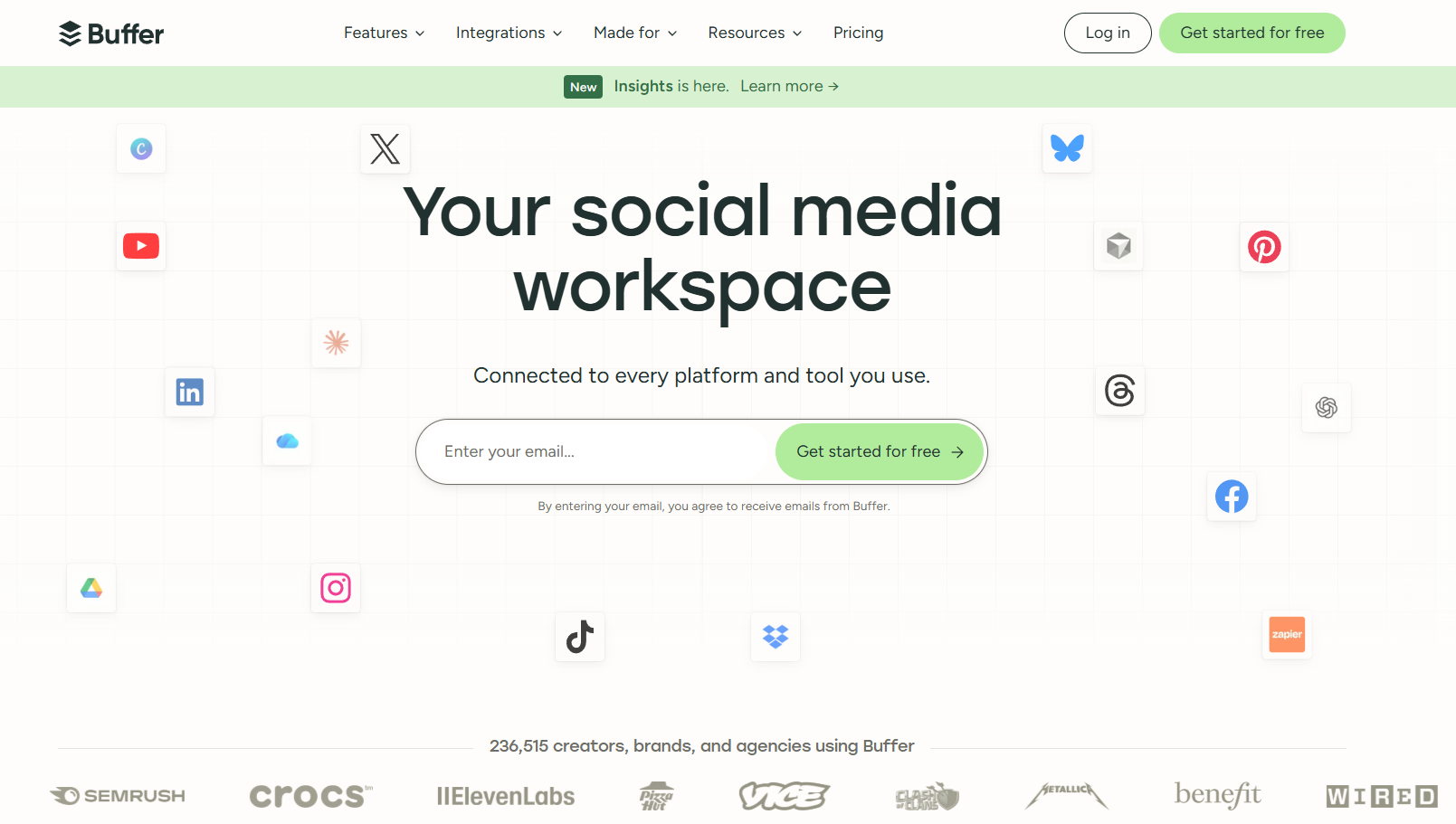
Buffer scores 3.5 out of 5 and solves Loomly’s seat problem by ignoring seats entirely. The Team plan bills $10 per channel per month and includes unlimited users, so a client reviewer costs nothing to add.
Buffer trades depth for that simplicity. Its analytics score is the weakest of the paid tools here, and its calendar has no equivalent to Loomly’s post mock-ups.
Best for: Small and mid-size teams that want dependable multi-channel scheduling with light approvals. It fits anyone on Loomly Starter who needs a fourth user without paying $332 a month.
Key Features
Buffer’s interface is deliberately minimal, built around per-channel queues rather than a shared calendar.
-
Free plan covering 3 channels, 10 scheduled posts per channel, and 1 user
-
Essentials at $5 per channel per month, with unlimited posts, advanced analytics, hashtag manager, and first comment scheduling
-
Team at $10 per channel per month, with unlimited users, approval workflows, and custom access permissions
-
Native MCP server at mcp.buffer.com on every plan, including Free
-
Volume discount on channels above 10, and 20% off annual billing
-
AI Assistant for captions and post ideas on every paid plan
Pros
Buffer’s advantages over Loomly are immediate to calculate.
-
No seat fees at all: the $10 per channel Team plan includes unlimited users
-
A permanent free plan removes the commitment barrier while you test the switch
-
The live AI Overview for “loomly alternatives” names Buffer first, for “simple scheduling and ease of use”
-
A 50% nonprofit discount matches Loomly’s nonprofit program
Cons
Buffer’s simplicity involves trades worth confirming before you move.
-
Analytics history on the free plan stops at 30 days, and the analytics dimension is Buffer’s weakest score
-
Approval workflows require the Team plan, so they are unavailable on Essentials
-
No post mock-up or content-ideas engine to replace Loomly’s calendar view
-
No bring-your-own-key AI, and the MCP server covers posts and queue only, with no analytics reads
-
Per-channel billing gets expensive fast for account-heavy agencies
Pricing
Buffer prices per channel, so the bill scales with where you publish rather than who logs in.
| Plan | Monthly (per channel) | Users | Key addition |
|---|---|---|---|
| Free | $0 | 1 | 3 channels, 10 posts per channel |
| Essentials | $5 | 1 | Unlimited posts, advanced analytics |
| Team | $10 | Unlimited | Approval workflows, custom permissions |
Annual billing saves 20%, and volume discounts start at channel 11. A 14-day trial covers the paid plans, and the current rates sit on Buffer’s pricing page.
What Users Say
Buffer rates 4.3 out of 5 on G2 from 1,039 reviews and 4.5 out of 5 on Capterra from 1,492. The G2 sample skews heavily toward small businesses, with 725 of those 1,039 reviewers in that segment.
Support is the most consistently praised dimension. G2 reviewer Shelby K. wrote that “our support team was helpful and fast to answer any questions” (G2). The recurring criticism is the opposite of Loomly’s: Buffer users want more reporting depth, not lower prices. Our full breakdown of Buffer’s strengths and limits scores that analytics gap at 2.5 out of 5. For teams that outgrow it, other tools in Buffer’s class covers the next step. Run per-channel billing against a one-time workspace fee if account count is your real constraint.
Migrating from Loomly to Buffer
Buffer has no Loomly-specific importer, so the move is a clean rebuild.
-
Export your scheduled content from Loomly while your subscription is still active.
-
Reconnect your social accounts under Buffer’s Channels tab.
-
Recreate upcoming posts from the export, or start fresh with a new queue.
Loomly’s approval chain maps to Buffer’s Team-plan approvals. There is no external client link, so reviewers need a Buffer login. The work is manual rather than complex, because the queue is rebuilt post by post.
4. Metricool: Best for Reporting Depth at the Entry Tier (3.5/5)
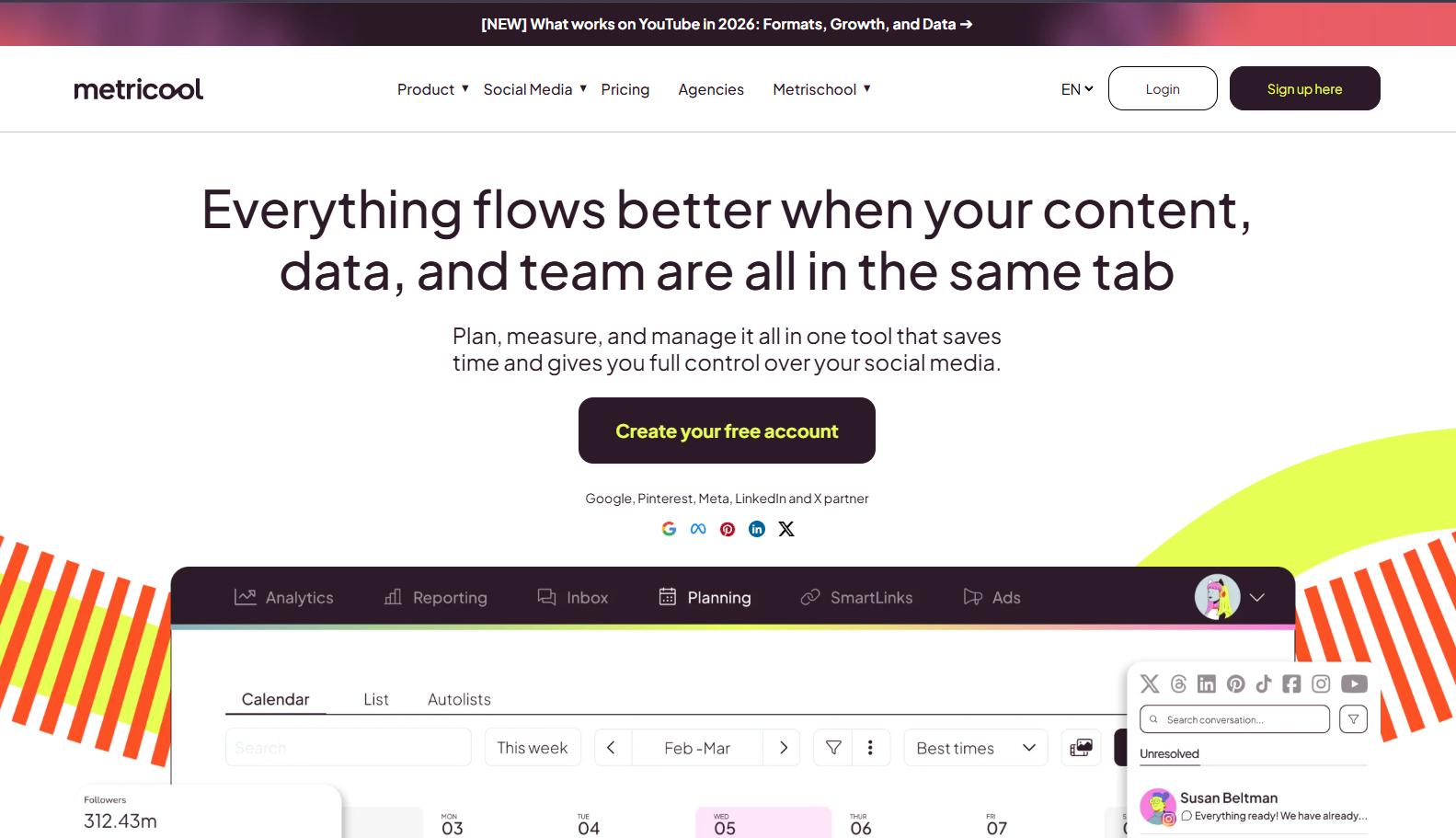
Metricool scores 3.5 out of 5, driven almost entirely by analytics. Its free plan includes competitor performance tracking on five profiles, a capability most tools in this list gate behind a paid tier.
Paid plans scale by brand count rather than by channel, which is what makes it a structural answer to Loomly’s pricing. The catch is seats. Free and Starter allow one user, and unlimited team seats begin on Advanced at about $53 a month.
Best for: Data-driven solo managers and small agencies that need competitor analysis, best-time-to-post recommendations, and cross-platform reporting at the entry tier.
Key Features
Metricool’s dashboard is the product, and the publishing tools sit around it.
-
Free plan with 1 brand, 20 posts a month, 5 competitor profiles, and 30-day analytics history
-
Starter from €16 a month (about $20) for 5 brands, or €29 (about $36) for 10, with unlimited publishing and 100 competitor profiles
-
Advanced from €43 a month (about $53), adding team management, the post approval system, API access, and the Looker Studio connector
-
Custom tier with unlimited brands, white-label reporting, and a dedicated account manager
-
Networks covered: Instagram, Facebook, TikTok, YouTube, Threads, Pinterest, Bluesky, Twitch, and Google Business Profile
-
Automated PDF and PPT reports from the Starter plan
Pros
Metricool’s analytics access at the free tier is genuinely unusual in this category.
-
Competitor tracking on 5 profiles at $0, with no credit card required
-
Advanced includes unlimited team seats, so client reviewers cost nothing above that tier
-
Best-time-to-post recommendations and SmartLinks from the Starter tier
-
Coverage includes Threads, Bluesky, Twitch, and Google Business Profile
Cons
Metricool has real limits that matter for a team leaving Loomly for the calendar.
-
Free and Starter allow one team seat, so a three-person Loomly team lands on Advanced at about $53 a month
-
The post approval workflow is Advanced-only, at €43 a month and up, so approvals cost more than they do on Loomly Starter
-
The free plan caps publishing at 20 posts a month per brand
-
X (formerly Twitter) publishing and analytics require a paid per-account add-on
-
Metricool Studio and extended analytics history cost roughly $12 a month extra on Starter plans
-
Prices are set in EUR, so US teams carry exchange-rate drift
-
No bring-your-own-key AI, and no MCP server for agent-driven workflows
Pricing
Metricool prices in EUR by brand count, with USD equivalents shown on its pricing page.
| Plan | EUR per month | USD per month (approx.) | Brands | Team seats |
|---|---|---|---|---|
| Free | €0 | $0 | 1 | 1 |
| Starter | €16 to €29 | $20 to $36 | Up to 10 | 1 |
| Advanced | €43 to €130 | $53 to $210 | Up to 50 | Unlimited |
| Custom | Contact | Contact | Unlimited | Unlimited |
All listed prices exclude VAT, and unlimited scheduling is subject to a fair use policy. Current rates sit on Metricool’s pricing page.
What Users Say
Metricool rates 4.5 out of 5 on G2 from 97 reviews and 4.4 out of 5 on Capterra from 97. Trustpilot puts it at 3.9 out of 5 across 622 reviews.
The live AI Overview for “loomly alternatives” names Metricool for “strong data analytics and content tracking”, and the review platforms agree on the strength. They also agree on the two weak points. The recurring complaints are support responsiveness, which our Metricool review scores at 2.0 out of 5, and auto-renewal billing. One G2 reviewer wrote: “I was blindsided by a $324 auto-renewal charge for an account that had been completely inactive for years” (G2).
Migrating from Loomly to Metricool
Metricool offers no Loomly importer, so plan on a manual rebuild of the queue.
-
Export your scheduled content from Loomly while your subscription is still active.
-
Create a brand in Metricool and connect its social accounts.
-
Rebuild upcoming posts in the planner, using autolists for anything recurring.
Analytics history does not transfer, so run one final Loomly report before you cancel if you need the year-over-year numbers. Loomly’s approval chain has no equivalent below the Advanced plan, which is the single biggest workflow gap for an agency. Other tools in Metricool’s class covers the options if reporting is not your primary trigger. For the seat math specifically, compare per-brand billing with a one-time workspace.
5. Planable: Best for Keeping a Loomly-Style Approval Workflow (3.6/5)

Planable scores 3.6 out of 5 and is the closest feature-level match to what Loomly Starter offered before the restructure. Every plan includes unlimited users, so the three-seat cap disappears completely.
It sits in Tier 2 for one reason: per-workspace billing does not remove the recurring-cost curve. An agency with five clients pays five workspace fees.
Best for: Teams whose main pain is the seat cap and whose core workflow is visual content collaboration with structured client approvals.
Key Features
Planable is built around a visual review workflow rather than a queue.
-
Basic at $33 per workspace per month: 4 social pages, 60 posts a month, unlimited users, and 2 approval types
-
Pro at $49 per workspace per month: 10 social pages, 150 posts a month, 3 approval types, grid view, and public API access
-
Enterprise with unlimited posts, multi-level approvals, SSO, and 24-month post storage
-
Feed, calendar, and grid views with native-style previews and inline commenting
-
MCP Connector included on every plan, though it creates drafts only and cannot publish
-
Free trial covering 50 posts with no time limit and no credit card
Pros
Planable is the most direct answer to Loomly’s seat cap in this list.
-
Unlimited users on Basic and Pro, so client reviewers and new designers cost nothing
-
Approval modes and shareable review links map closely to Loomly’s approval chain
-
The 50-post trial has no expiry date, so you can evaluate at your own pace
-
Very high user satisfaction: 4.6 out of 5 on G2 across 1,075 reviews
Cons
Planable’s caps and add-ons limit its fit for high-volume publishing.
-
Basic caps at 60 posts per workspace per month, and Pro at 150, which is tight for daily multi-channel posting
-
Basic covers only 4 social pages against Loomly Starter’s 12 accounts
-
Analytics cost an extra $12 per workspace per month, so reporting Loomly includes is billed separately here
-
The social inbox is another $7.50 per workspace per month
-
The MCP Connector creates drafts only, so an agent still cannot schedule or publish
Pricing
Planable prices per workspace, and the add-ons belong in your real monthly figure.
| Plan | Monthly | Posts per workspace | Pages | Users |
|---|---|---|---|---|
| Basic | $33 | 60 a month | 4 | Unlimited |
| Pro | $49 | 150 a month | 10 | Unlimited |
| Enterprise | Custom | Unlimited | Unlimited | Unlimited |
Analytics add $12 per workspace per month and the social inbox adds $7.50, which turns a $33 Basic plan into $52.50 fully loaded. Current rates sit on Planable’s pricing page.
What Users Say
Planable rates 4.6 out of 5 on G2 from 1,075 reviews and 4.5 out of 5 on Capterra from 326. Trustpilot adds 4.3 out of 5 from 71. Those are the strongest aggregate ratings in this comparison.
Planable is the name that surfaces first when Loomly users ask for a like-for-like replacement. A poster in r/PostPlanify wrote that “Planable is probably the closest direct alternative to Loomly in terms of content planning and approvals. It focuses heavily on collaboration” (Reddit, 2026).
Our Planable review documents where the per-workspace model stops working, and other tools in Planable’s class covers the alternatives at scale. Agencies weighing five client workspaces should also read workspace fees against a one-time code.
Migrating from Loomly to Planable
Planable has no Loomly import tool, so the 50-post trial doubles as the migration sandbox.
-
Export your scheduled content from Loomly while your subscription is still active.
-
Open a Planable workspace, connect your social accounts, and invite your team and clients.
-
Recreate upcoming posts manually, or paste them in from the export.
The approval structure is close enough to Loomly’s that teams rarely need retraining. Budget one workspace per client brand, because pages and post caps are per workspace rather than per account. The MCP Connector handles workflow integrations but is not a bulk import route.
6. SocialBee: Best for Evergreen Content Recycling (3.3/5)
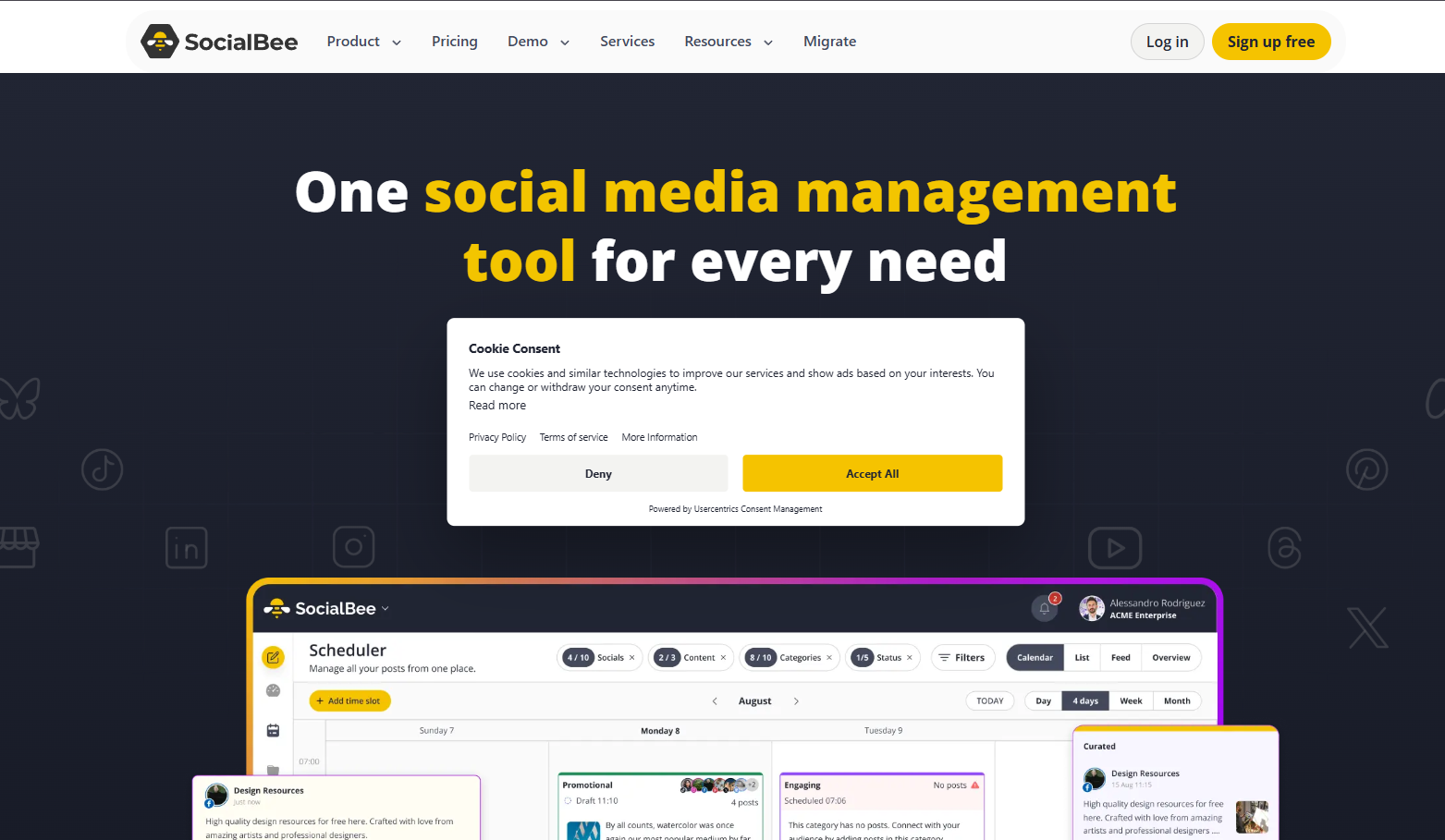
SocialBee scores 3.3 out of 5, the lowest in this pool, and it earns its place on one differentiator. Posts are organized into content categories such as educational, promotional, and evergreen, then published from those categories in rotation.
Nothing else here recycles at the category level. PostMonk recycles individual evergreen posts on Pro and Agency, but it has no category queue.
Best for: Creators and small businesses with a stable evergreen content mix, where automated recycling removes the daily scheduling decision.
Key Features
SocialBee’s category engine is the reason to choose it, and the reason it takes longer to set up.
-
Bootstrap at $29 a month: 5 profiles, 1 user per workspace, 10 content categories, 3-month analytics, and a built-in image editor
-
Accelerate at $49 a month: 10 profiles, 50 content categories, advanced analytics, bulk editor, CSV uploads, and the post approval system
-
Pro at $99 a month: 25 profiles, 3 users per workspace, 5 workspaces, unlimited categories, and 2-year analytics
-
Agency plans from $179 a month for 50 profiles across 10 workspaces
-
Ten networks, including Google Business Profiles and Bluesky
-
A 14-day trial with no credit card, plus a 30-day money-back guarantee
Pros
SocialBee’s recycling engine and entry price both hold up against Loomly.
-
Category-based evergreen rotation is more developed than any other recycling model in this comparison
-
Bootstrap at $29 a month costs 55% less than Loomly Starter at $65
-
The 30-day money-back guarantee lowers the cost of a failed switch
-
Google Business Profiles is covered, which matters for local clients on Loomly today
Cons
SocialBee’s constraints are narrow but decisive for team workflows.
-
Bootstrap and Accelerate both allow only 1 user per workspace, so a three-person Loomly team pays $10 a month per extra seat
-
The post approval workflow starts at Accelerate ($49), and 2-year analytics at Pro ($99)
-
One misconfigured post can halt an entire content category, with no alert
-
Category setup takes real configuration time compared with a plain calendar
-
No bring-your-own-key AI, no public API, no webhooks, and no MCP server
Pricing
SocialBee runs three core plans plus agency-scale extensions, with roughly 16% off annual billing.
| Plan | Monthly | Annual (per month) | Profiles | Users per workspace |
|---|---|---|---|---|
| Bootstrap | $29 | $24 | 5 | 1 |
| Accelerate | $49 | $41 | 10 | 1 |
| Pro | $99 | $83 | 25 | 3 |
Add-ons cost $10 a month for an extra user, $10 for an extra workspace, and $15 for 5 extra profiles. Current rates sit on SocialBee’s pricing page.
What Users Say
SocialBee’s ratings split harder than any other tool here. G2 gives it 4.7 out of 5 from 478 reviews. Trustpilot gives it 3.7 out of 5 from 56, and its Android app sits at 1.8 out of 5 from 110.
The Trustpilot complaints cluster on publishing rather than features. The lead review at the time of our research read: “NICE people but the platform is a mess. For the month I used it, posting onto instagram didnt work” (Trustpilot). Our SocialBee review documents the category-halt failure in detail, and other tools in SocialBee’s class covers the recycling options if reliability worries you. A narrower read on recycling sits in SocialBee’s queue model against PostMonk’s.
Migrating from Loomly to SocialBee
SocialBee has no Loomly importer, and the category model means a rebuild rather than a copy.
-
Export your scheduled content from Loomly while your subscription is still active.
-
Define your content categories in SocialBee before importing anything.
-
Upload posts through the CSV importer, available from the Accelerate plan, and assign each to a category.
Bootstrap has no CSV upload, so Bootstrap users add posts by hand. Expect the category setup to take longer than a straight calendar migration, because the schedule is defined per category rather than per post. That configuration is the whole point of the tool, and it is also its steepest onboarding cost.
Which Loomly Alternative Should You Choose?
The right replacement depends on which Loomly constraint pushed you to search. Match your trigger to the pick below.
-
If you are done with a renewing social bill: PostMonk Pro at $59 one time covers 25 accounts, 3 seats, bring-your-own-key AI, and an MCP server, and it is recovered against Loomly’s annual rate in under two months.
-
If your bill jumped when you added a fourth user: SocialPilot Standard at $40 a month covers 10 accounts and 3 users, and Premium at $100 adds client approvals and white-label reports for a third of Beyond’s price.
-
If you need seats without a seat fee: Buffer’s Team plan at $10 per channel per month includes unlimited users, so client reviewers cost nothing to add.
-
If Loomly Starter’s reporting was never enough: Metricool includes competitor tracking on 5 profiles at $0, then scales by brand count. Budget for Advanced at about $53 if you need more than one seat.
-
If the approval workflow is what you cannot lose: Planable Basic at $33 per workspace per month keeps unlimited reviewers and the closest match to Loomly’s review chain.
-
If evergreen recycling is the workflow gap: SocialBee Bootstrap at $29 a month is the only tool here with category-based rotation.
-
If you need a free plan, not a trial: Buffer covers 3 channels and 10 posts per channel at $0, and Metricool covers 1 brand and 20 posts a month. No other tool here has a permanent free tier.
Loomly is still the right answer for a specific team. Run one to three users across six to twelve accounts, lean on the drag-and-drop calendar, and Starter at $65 is competitive. Qualify for the 50% nonprofit discount and it drops to roughly $294 a year, which almost no migration can beat. The alternatives above win specifically on a fourth seat, a thirteenth account, entry-tier reporting, or an end to recurring billing.
Try PostMonk free for 7 days and test bring-your-own-key AI, the MCP server, and multi-platform scheduling against your own calendar before you cancel anything.
FAQs
What is the alternative to Loomly?
The strongest Loomly alternatives are PostMonk, SocialPilot, Buffer, Metricool, Planable, and SocialBee, depending on which Loomly limit you are escaping. PostMonk replaces recurring billing with a one-time payment. SocialPilot and Buffer remove the pricing cliff. Metricool adds reporting depth, Planable keeps the approval workflow, and SocialBee adds evergreen recycling.
Is there a free version of Loomly?
Loomly has no free plan. The live pricing page, verified on 2026-07-28, shows two paid tiers plus Enterprise. Starter costs $65 a month ($49 annual) and Beyond costs $332 a month ($249 annual). A free trial is available, and the Loomly homepage states it runs 7 days with no credit card.
Is Loomly worth it?
Loomly is worth it for teams of one to three users running six to twelve social accounts on its calendar and approval workflow. It scores 3.0 out of 5 on our rubric, held down by pricing rather than product. The moment you need a fourth seat or a thirteenth account, the bill jumps from $65 to $332 a month.
How much does Loomly cost per month?
Loomly costs $65 a month for Starter and $332 a month for Beyond on monthly billing. Annual billing drops those to $49 and $249 a month, charged upfront with a 25% discount. Enterprise is quoted individually for 61 or more accounts. Starter covers 3 users and 12 accounts; Beyond covers unlimited users and 60 accounts.
Does Loomly offer a discount for nonprofit organizations?
Loomly offers nonprofits a 50% lifetime discount on presentation of a determination letter or an equivalent government-issued document. On Starter annual billing that brings the cost to roughly $294 a year. Buffer offers a comparable 50% nonprofit discount on its paid plans, so the discount alone is not a reason to stay.
How long does it take to migrate from Loomly?
Migrating from Loomly takes three steps: export your content, connect your social accounts, then load the queue. Bulk import decides the effort. SocialPilot (Standard), SocialBee (Accelerate), and PostMonk (Pro) accept a CSV upload, while Buffer, Metricool, and Planable require you to rebuild the queue by hand.
How do I export my content from Loomly before switching?
Export your Loomly content from inside your account while the subscription is still active, then check the file’s columns against your destination tool’s import template. Run the export before your next billing date. One Capterra reviewer could not reach the export feature after Loomly auto-renewed during a pricing dispute.
How do I cancel Loomly?
Cancel Loomly from your account’s billing or subscription settings, then confirm through the cancellation prompts and check for the confirmation email. Monthly plans commit only for the month already paid. Annual plans run a 12-month commitment, so cancel before the renewal date. Export your content first, because access ends with the subscription.
Can I try a Loomly alternative while still paying for Loomly?
Yes, and running both in parallel is the safest way to switch. Buffer and Metricool have permanent free plans, so there is no clock. Planable’s trial covers 50 posts with no time limit. SocialPilot and SocialBee both run 14-day trials with no credit card, and PostMonk runs a 7-day trial with a 30-day refund window.
Which Loomly alternative has the best analytics?
Metricool has the deepest analytics at the entry tier. Its free plan includes competitor tracking on 5 profiles, best-time-to-post recommendations, and 30-day history. Starter, from €16 a month, expands competitor tracking to 100 profiles and adds automated PDF and PPT reports. The live AI Overview names Metricool for “strong data analytics and content tracking”.

